SPECIFICATIONS
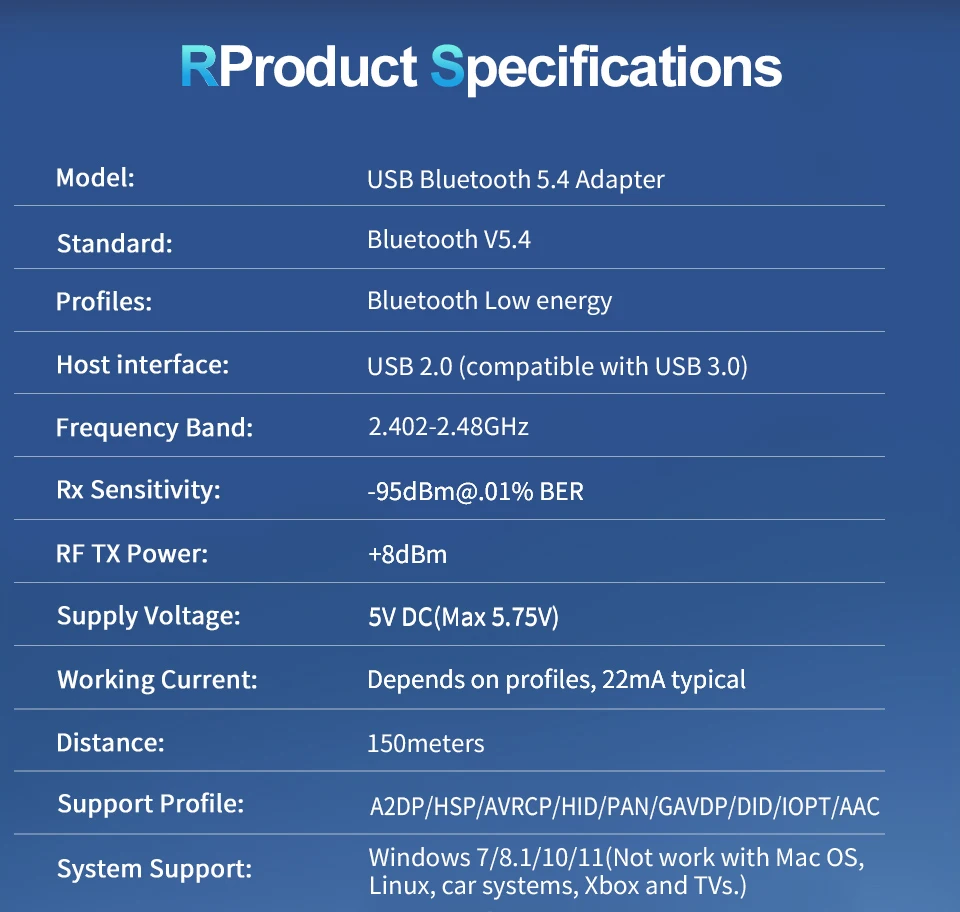
Bluetooth Standard: Compatible Bluetooth v5.4
Brand Name: zexmte
Certification: CE,FCC,RoHS
Hign-concerned Chemical: None
Model Number: Long Range USB Bluetooth Adapter
Origin: Mainland China
Package: Yes
Product Description:
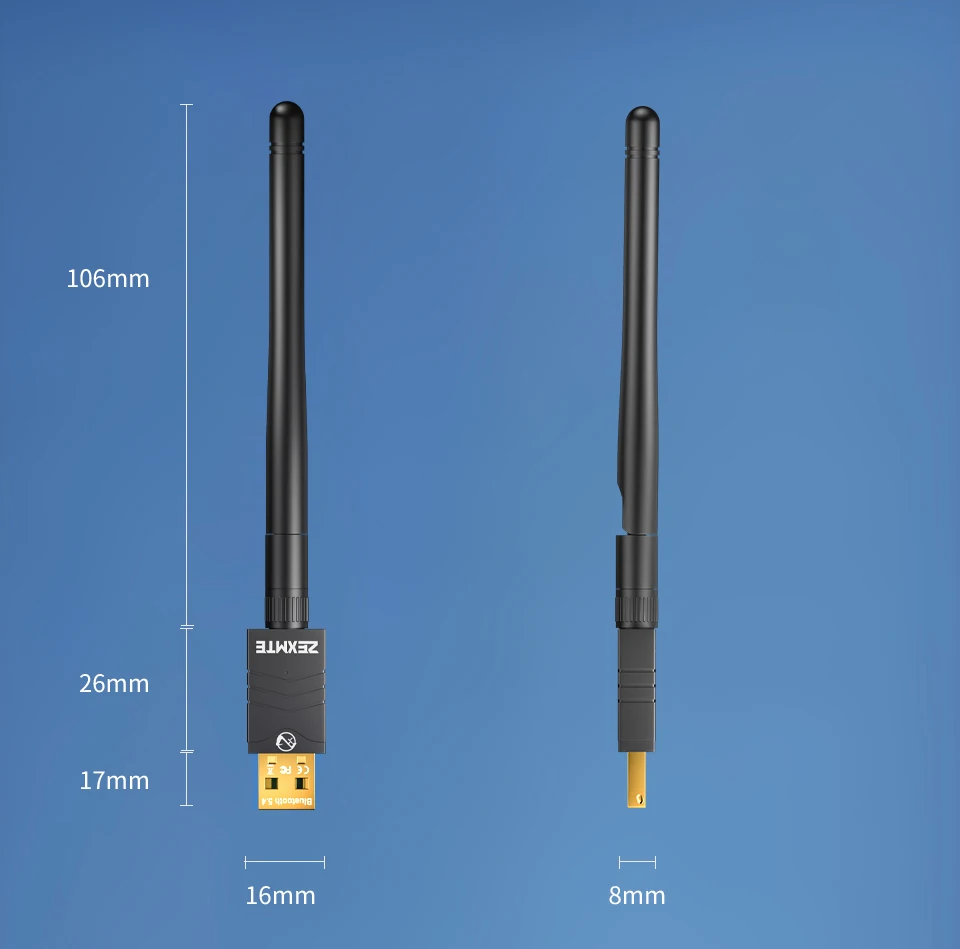
Material: ABS+PC
Bluetooth protocol: V5.4
Transmission distance: 150m
Operating system: Windows 8.1/10/11 automatic drive free; Not supporting IOS system;
Supporting protocols: A2DP/SBC/AAC/HSP/AVRCP/HID
Firmware version: HCI 13.5/LMP 13.2
Notice:
1. The Bluetooth adapter supports plug and play in the Win8.1/10/11 system. Please ensure that automatic updates for the Windows system are enabled to ensure that the Bluetooth adapter is connected correctly.
Computers running on the Windows 7 operating system require Bluetooth drivers to function properly.
Obtain the driver from the link provided on the product details page. After installing the driver, the computer needs to be restarted.
3. If your computer is equipped with internal Bluetooth function, please disable it.
BLUETOOTH 5.4 LONG RANGE USB AUDIO ADAPTER
Experience the wireless freedom around the house.
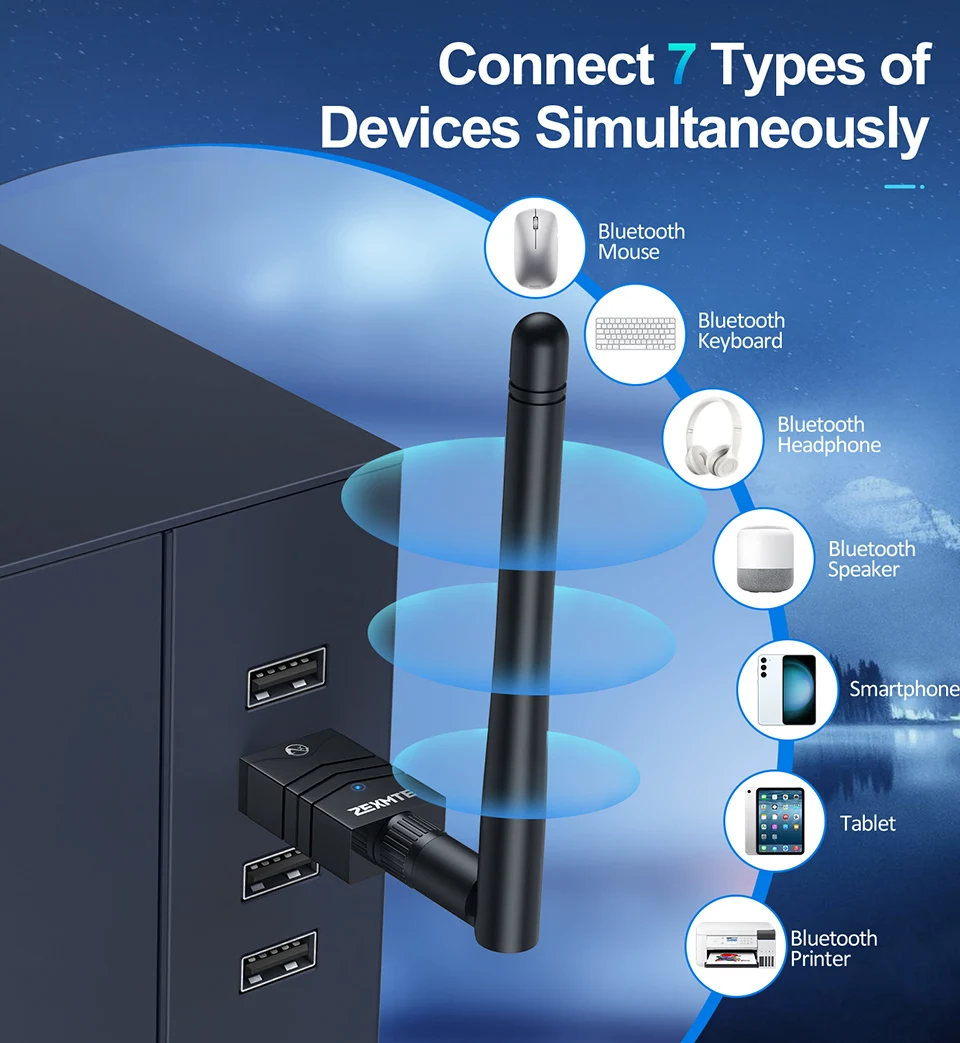
Can work with up to 7 devices at the same time.
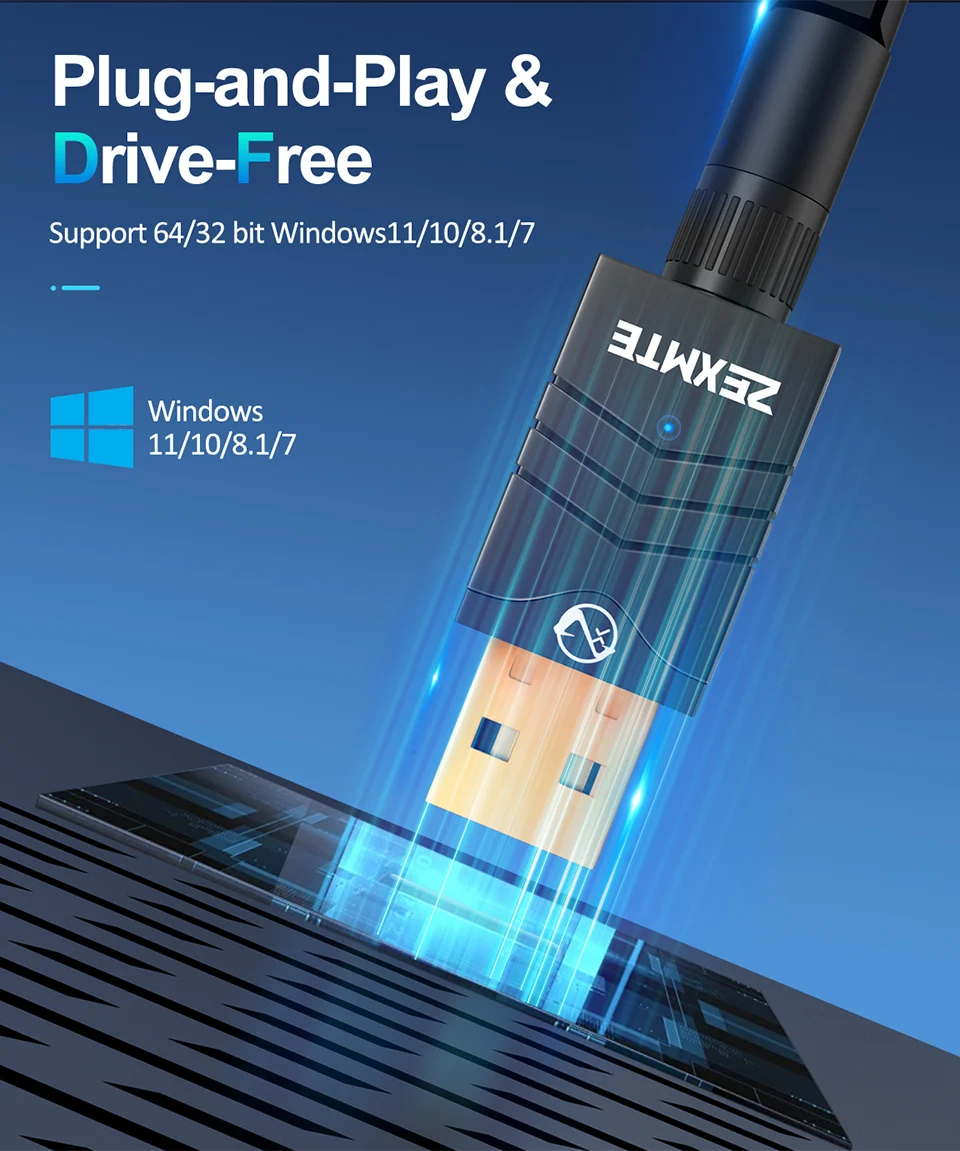
Plug-and-play & Drive-Free
Support 64/32 bit Windows11/10/8.1/7
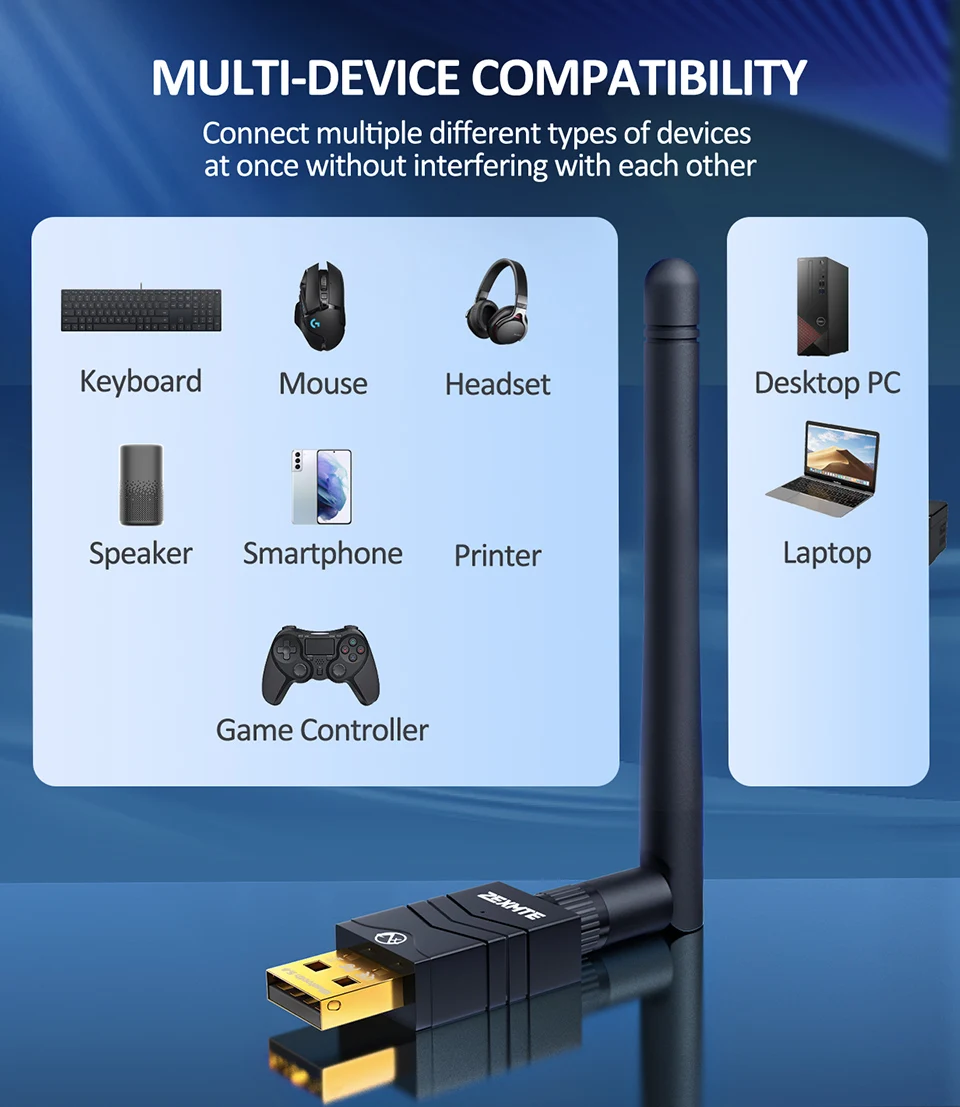
MULTI-DEVICE COMPATIBILITY
Connect multiple different types of devices at once without interfering with each other
Upgraded Bluetooth 5.4 Chipset
Faster, more stable & Higher Sound Quality without Latency and Lag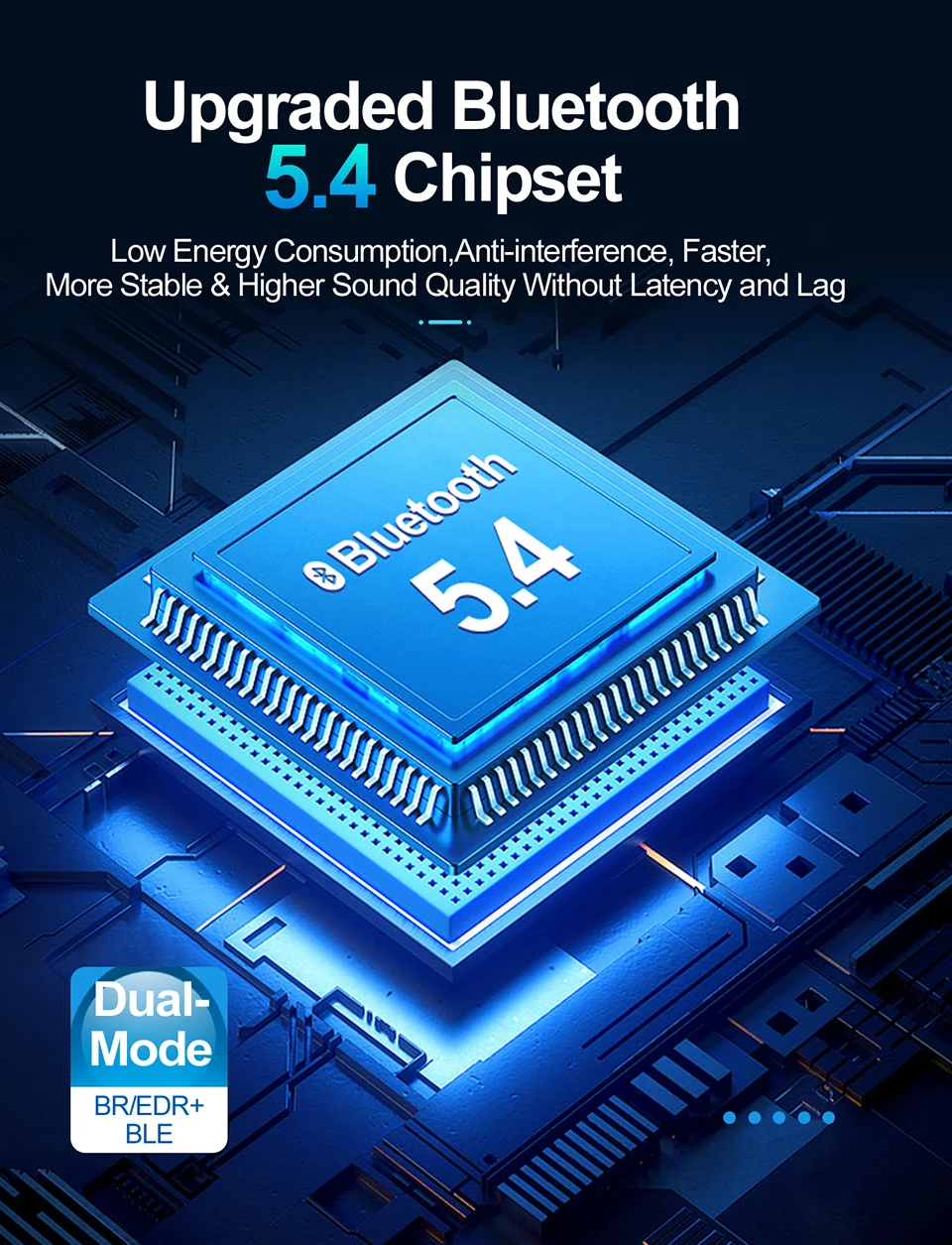
Supports simultaneous connection of 7 different types of devices
Mouse, Keyboard, Headset,Bluetooth Speaker, Smart Phone, Tablet,Printer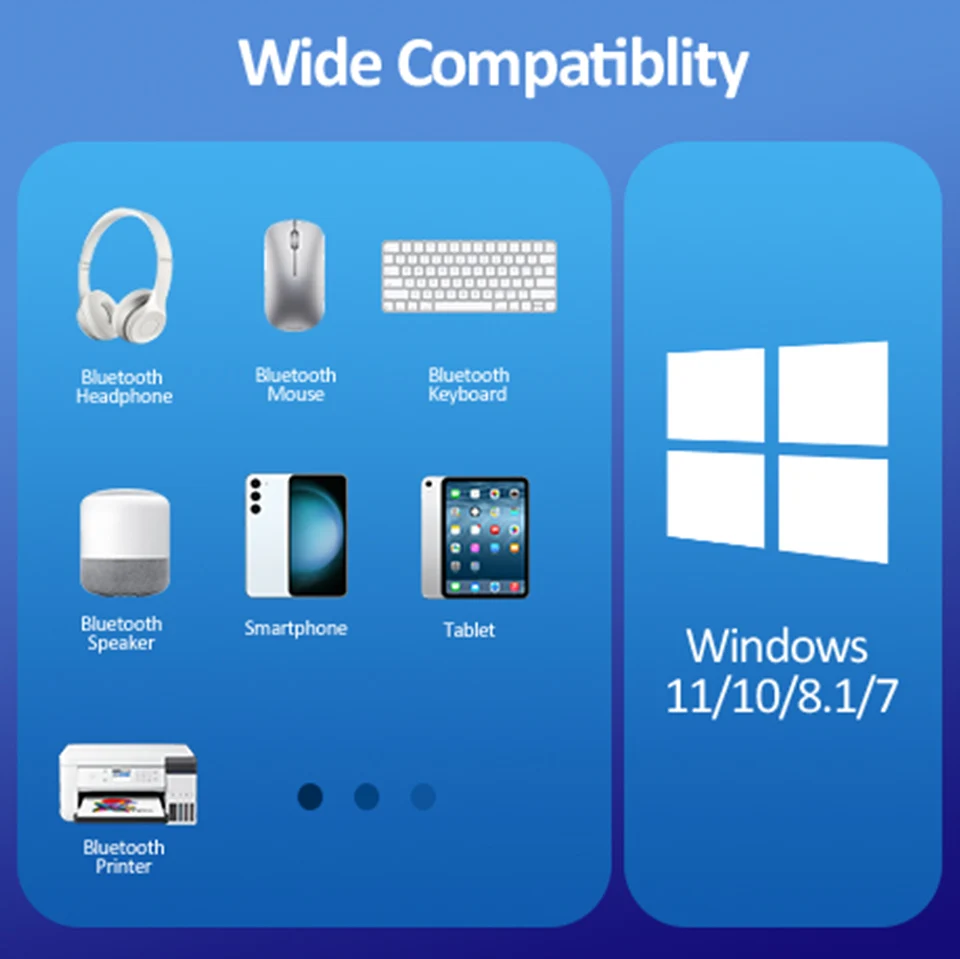
ENJOY THE EFFICIENCY AND CONVENIENCE OF WIRELESS TRANSMISSION
Support mobile phone-computer mutual file transfer and mobile phone network sharing to computer.
Subsequent boot can be automatically connected back after the first successful match.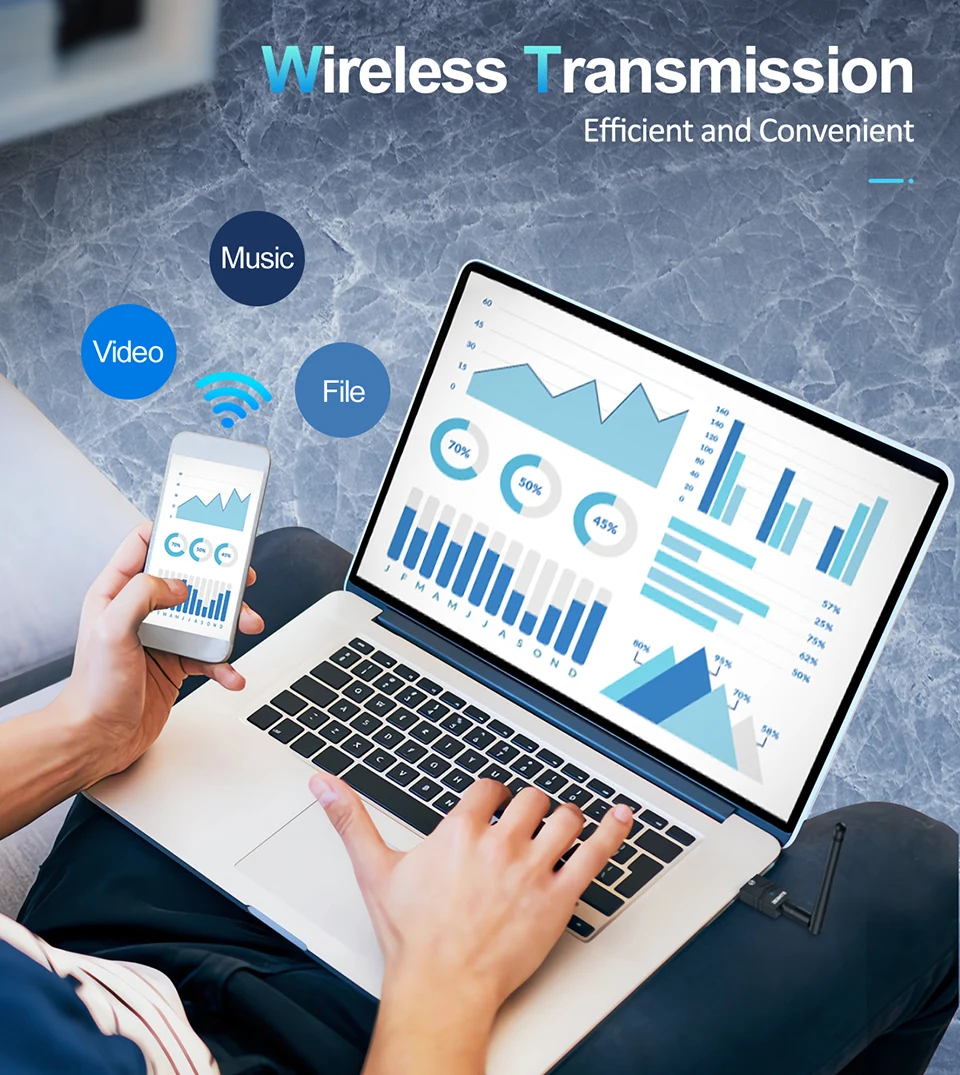
LOW LATENCY PERFORMANCE
Audio and Video Content Will Be Synced Perfectly with No Lag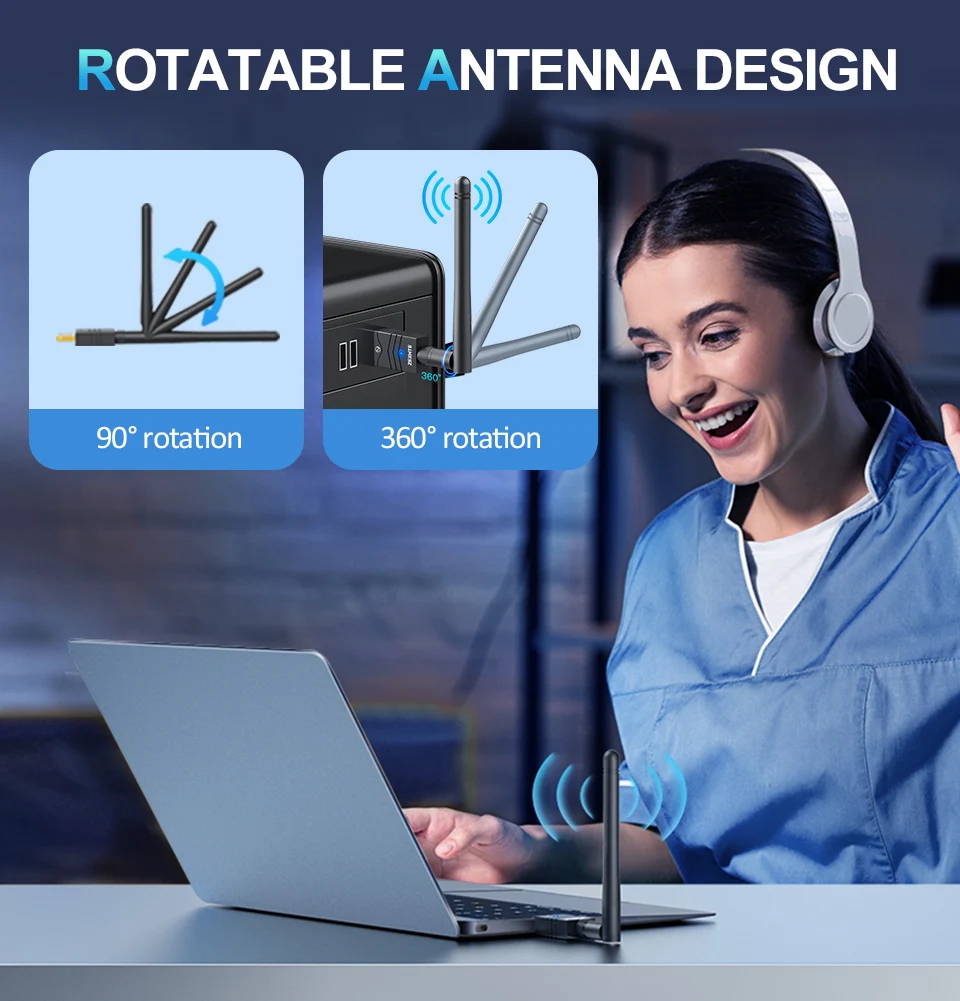
Fully Enjoy Work & Life
Enjoy the convenience of Bluetooth wireless connectivity.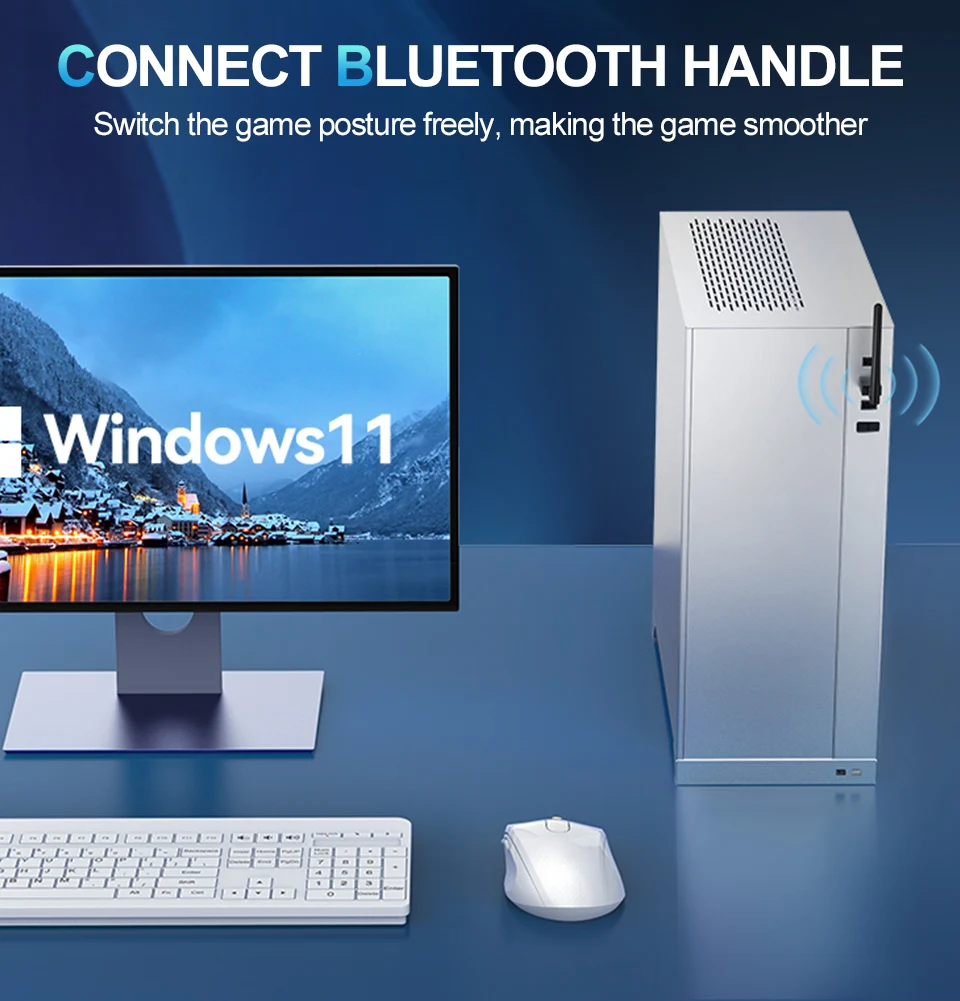
Ultra-long Range Coverage
Equipped with extra long antenna, the maximun range reaches 492ft/150m. Enjoy the bluetooth without the limits of distance.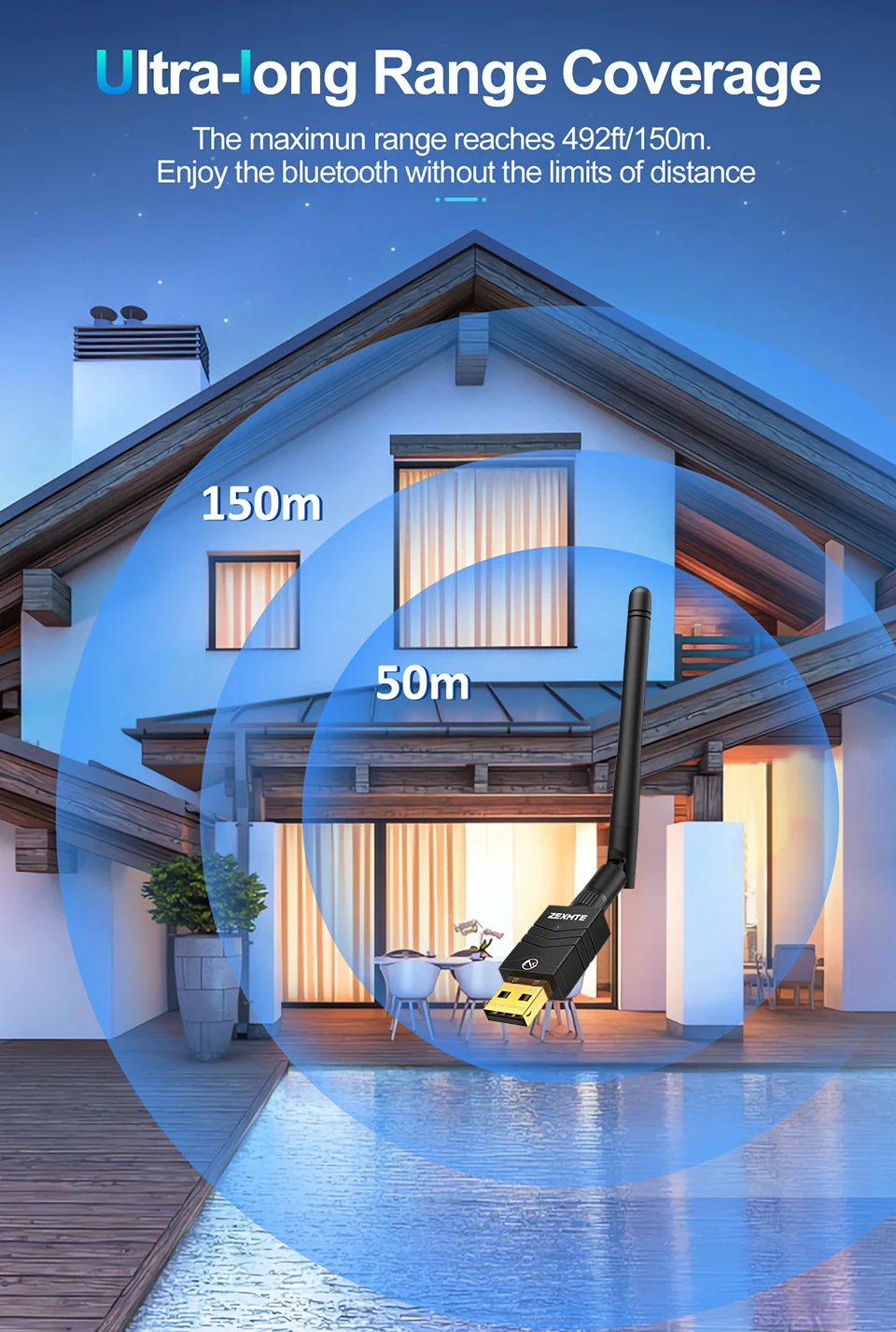
I. Disable Built-in Bluetooth Before Plugging in Adapter
(1) Check if there is bult-in Eluetooth in your computer before plugging in the adapter:
Option 1: Press the "E Windows"+ "X"to select "Device Manager".
Option 2: Right-click "This PC">"Manage"> "Device Manager"
If there is a "Bluetooth"icon in the "Device Manager", please follow the steps below to disable it. ifnot, please skip this part.
(2) Disable Built-in Bluetooth
Double-click the Bluetooth icon > right-click on "Intel(R) Wireless Bluetooth">select "Disable device"> Click on "Yes".
Default Bluetooth: Generic Bluetooth Radio, Intel(R) Wireless Bluetooth (R).
II. Windows 7 (Driver is Required)
1.Download the Driver:
(1)Go to website and Download:https://bit. ly/3Hqj8CC
(2)Contact customer service.
2.Install the Driver:
(1)Unzipped the package, then double-click "setup. exe"and followup the wizard to complete the installation.
You can also refer to the "installation Guide"in the package for more detailed information.
(2)After installation, wait for the computer to restart.
Troubleshooting:
1. Why is the Bluetooth function not working and computer shows' or "ErrorCode 31"?
The built-in Bluetooth in your computer is not disabled, causing the adapter cannot enable the driver, please disable it:
(1)Remove the adapter, then go to "Device Manager"> double-click the Bluetooth icon > right-click "Intel(R) Wireless Bluetooth >select "Disable device"> click on "Yes".
Note: common Bluetooth name may be Generic Bluetooth Radio, Intel(R) Wireless Bluetooth (R).
(2) Replug the adapter.
2. What should Ido if the Bluetooth icon doesn't appear?
(1)Ensure there are no other Bluetooth devices installed on the computer. If thereare, disable all existing Bluetooth devices in "Device Manager", then insert the adapter and try again.
(2)Sometime the Bluetooth icon may be hidden: select "Start "> "Settings>"Devices"g >Click "More Bluetooth Options"> "Options">Check "Show the Bluetooth icon in the notification area".
3. Why can't i find my Bluetooth device?
(1)Please make sure that your device supports Bluetooth.
(2)Please ensure your Bluetooth device is in pairing mode.
(3)Kееp your Bluetooth device around/near the adapter at a range of 20m/66ft.
(4)Please replug the adapter.
4. Can the adapter connect to multiple devices at a time?
The adapter can connect up to 7 Bluetooth devices, such as headphones/speakers, keyboards, mice, game controllers, and phones. However, if two Bluetooth audio output devices (like headphones/speakers) connect to the adapter, only one will work.