


Description
SPECIFICATIONS
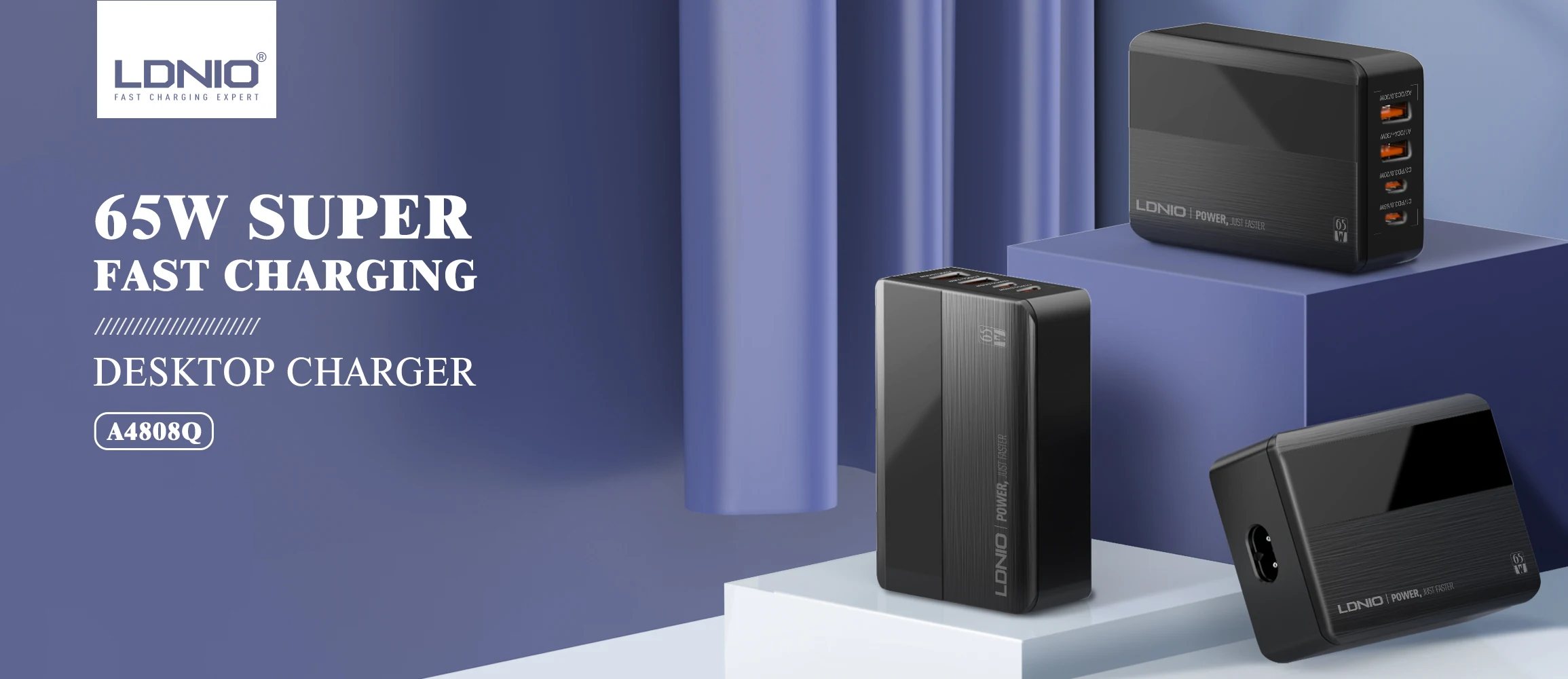
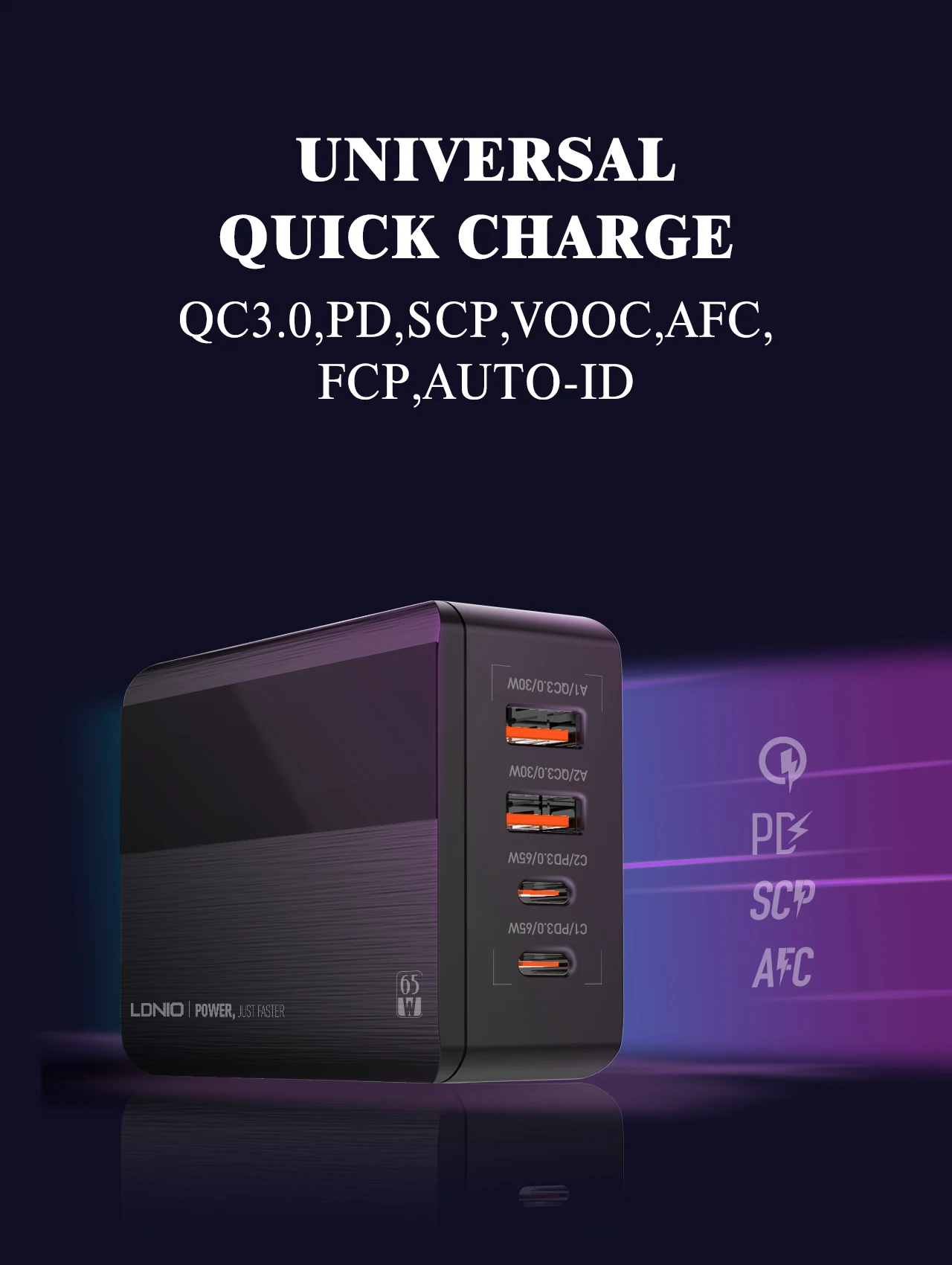
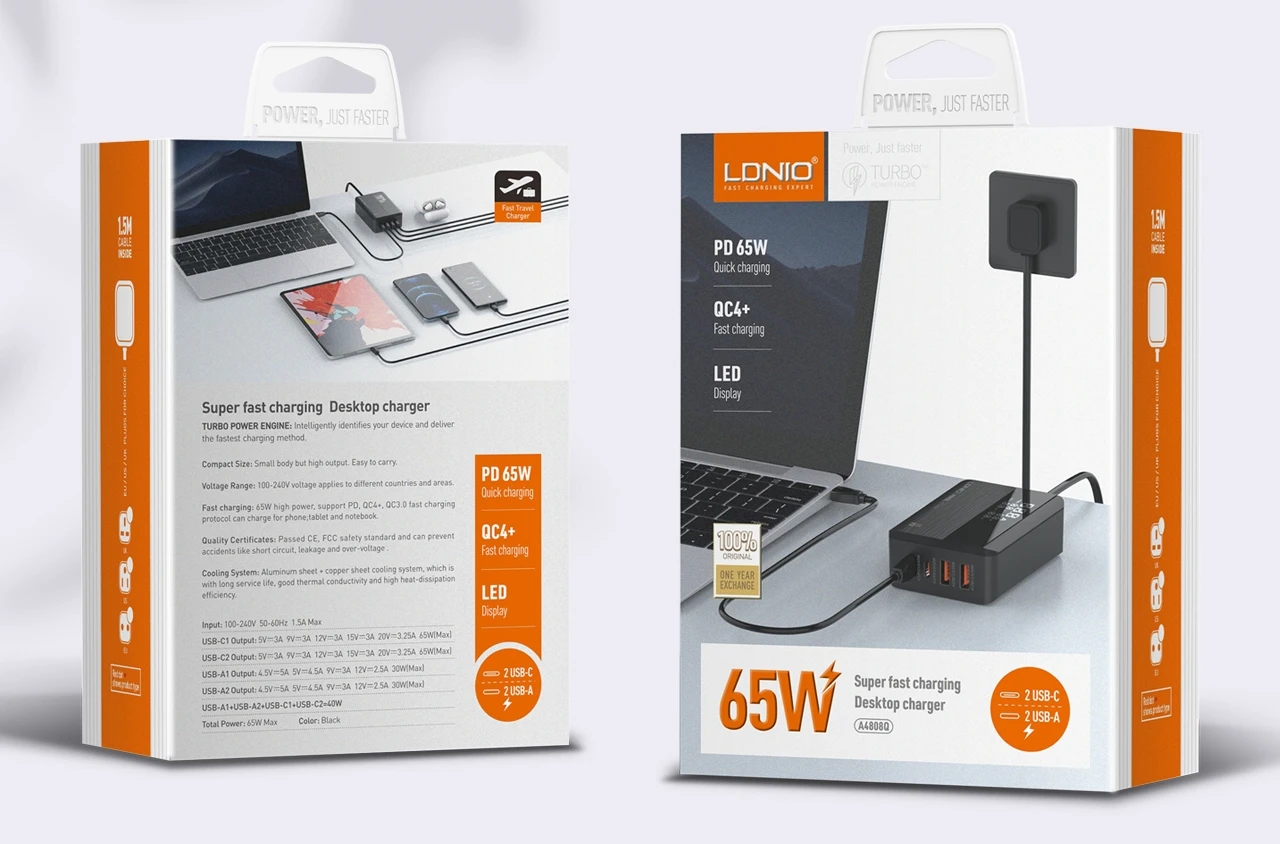
Applied Fast Charge Protocols: Samsung Adaptive Fast Charge,USB PD,Other,BC1.2,Qualcomm Quick Charge
Brand Name: LDNIO
Certification: UL,CE,CCC
Choice: yes
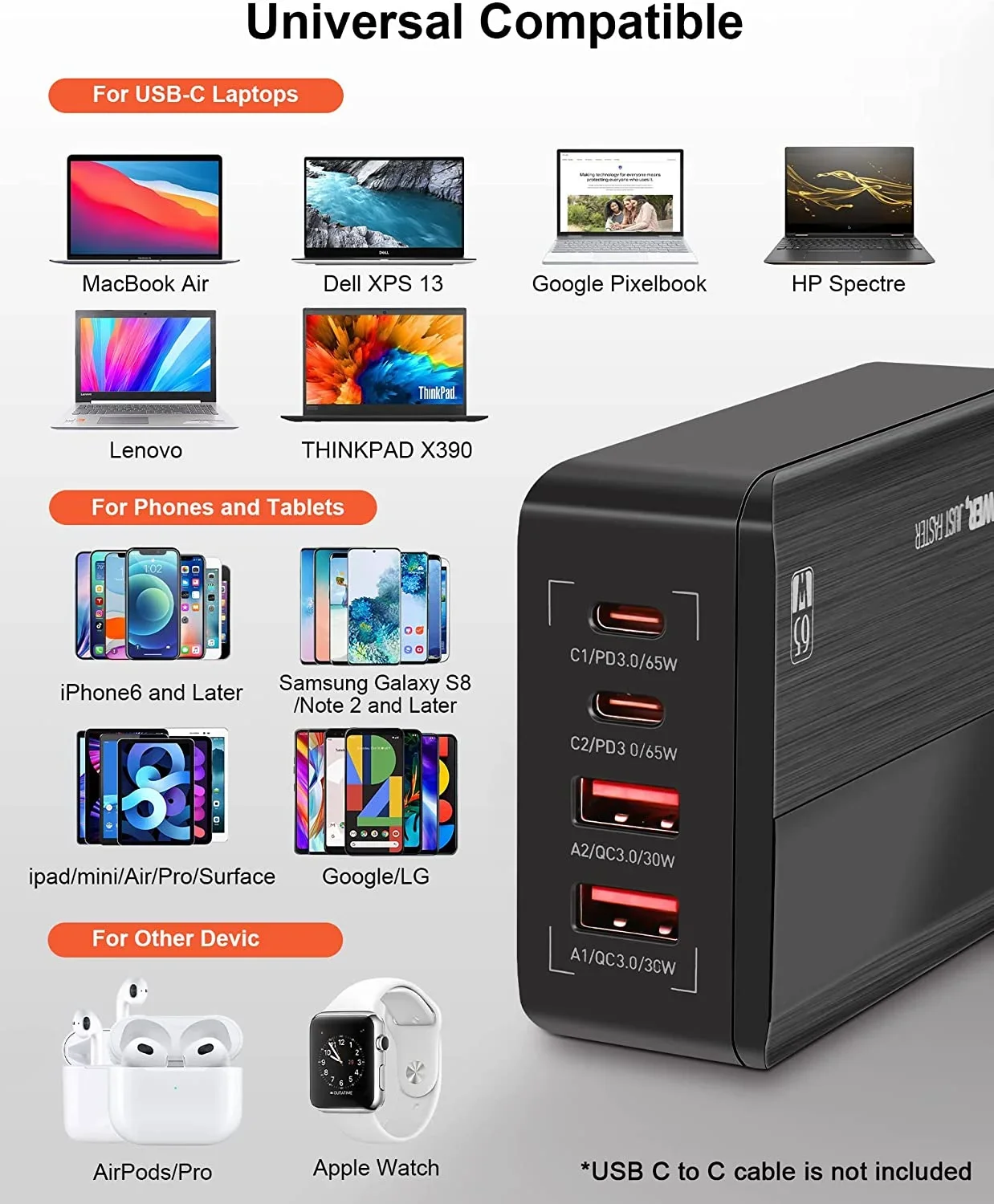
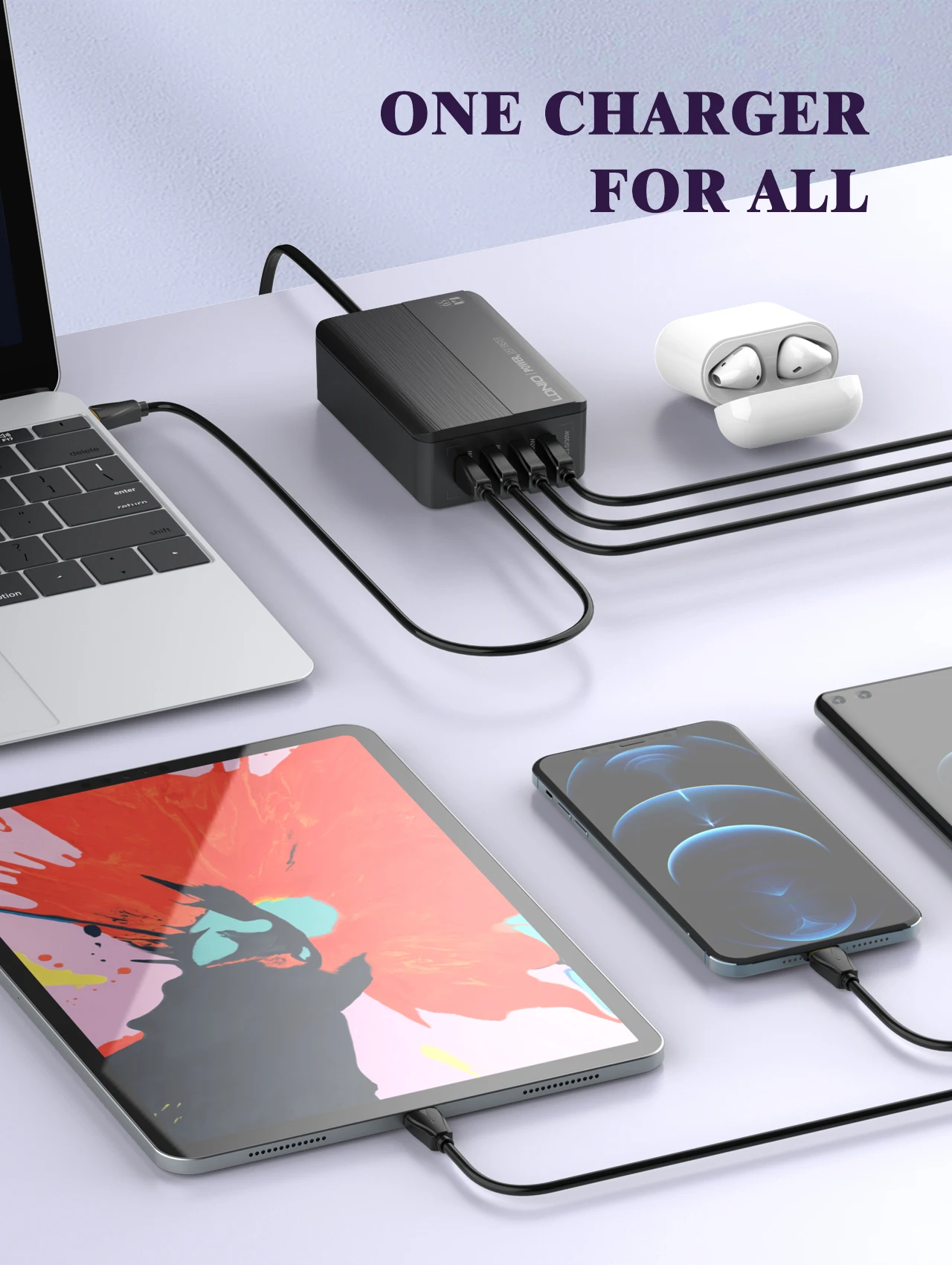
Compatible Devices: Tablets, Laptops, Cellular Phones, Headphones, Smartwatches
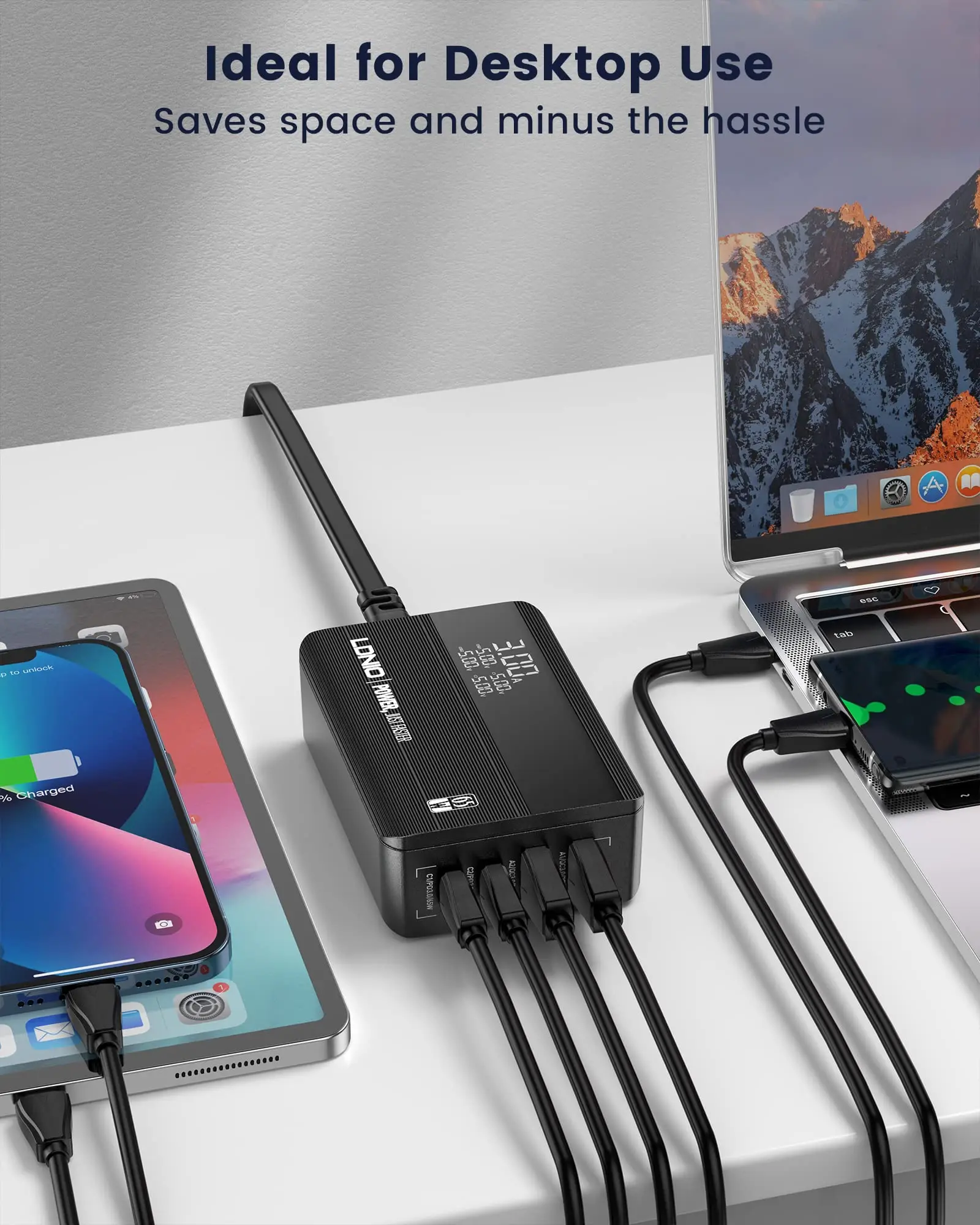
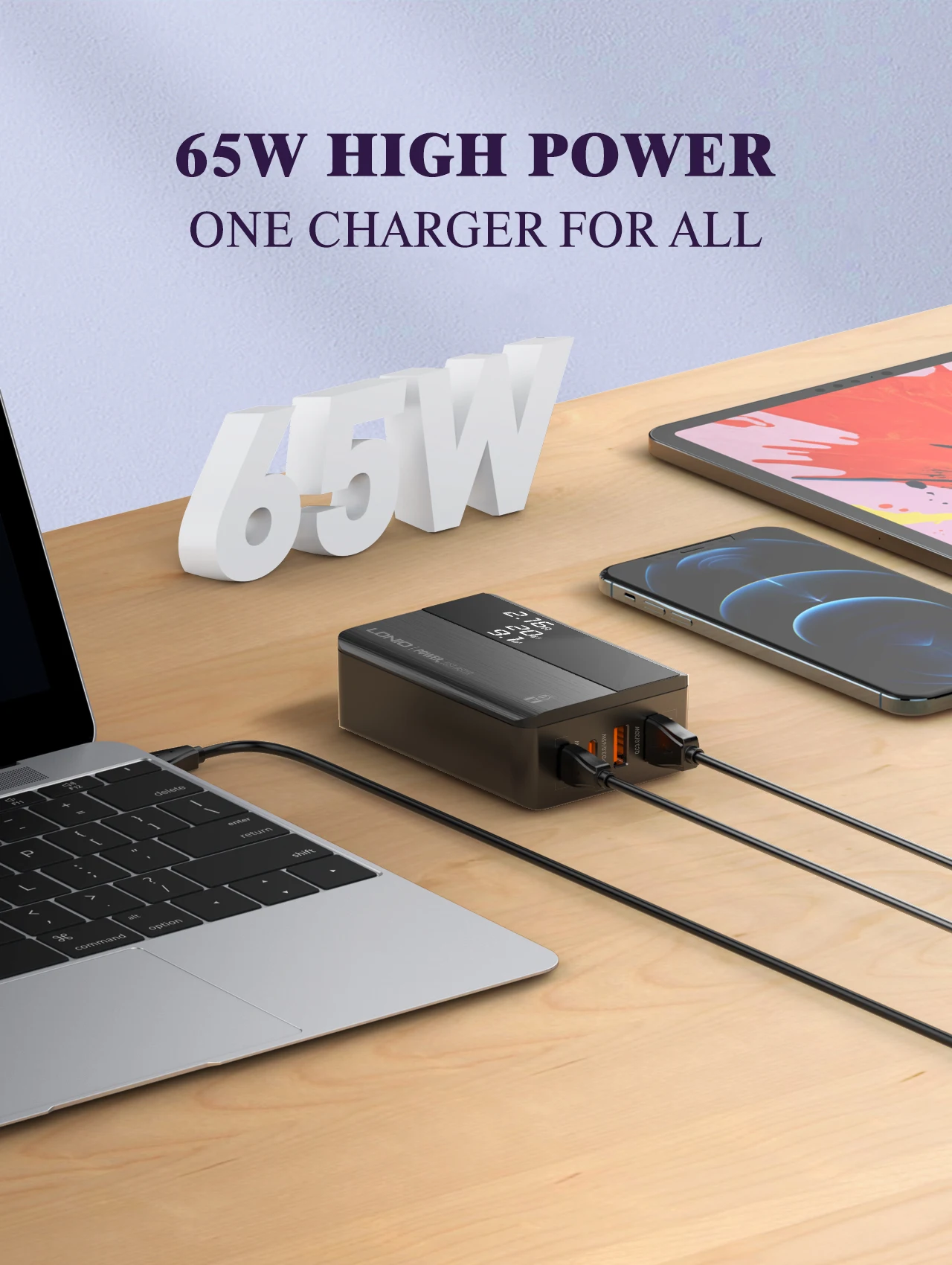
Display screen: Yes
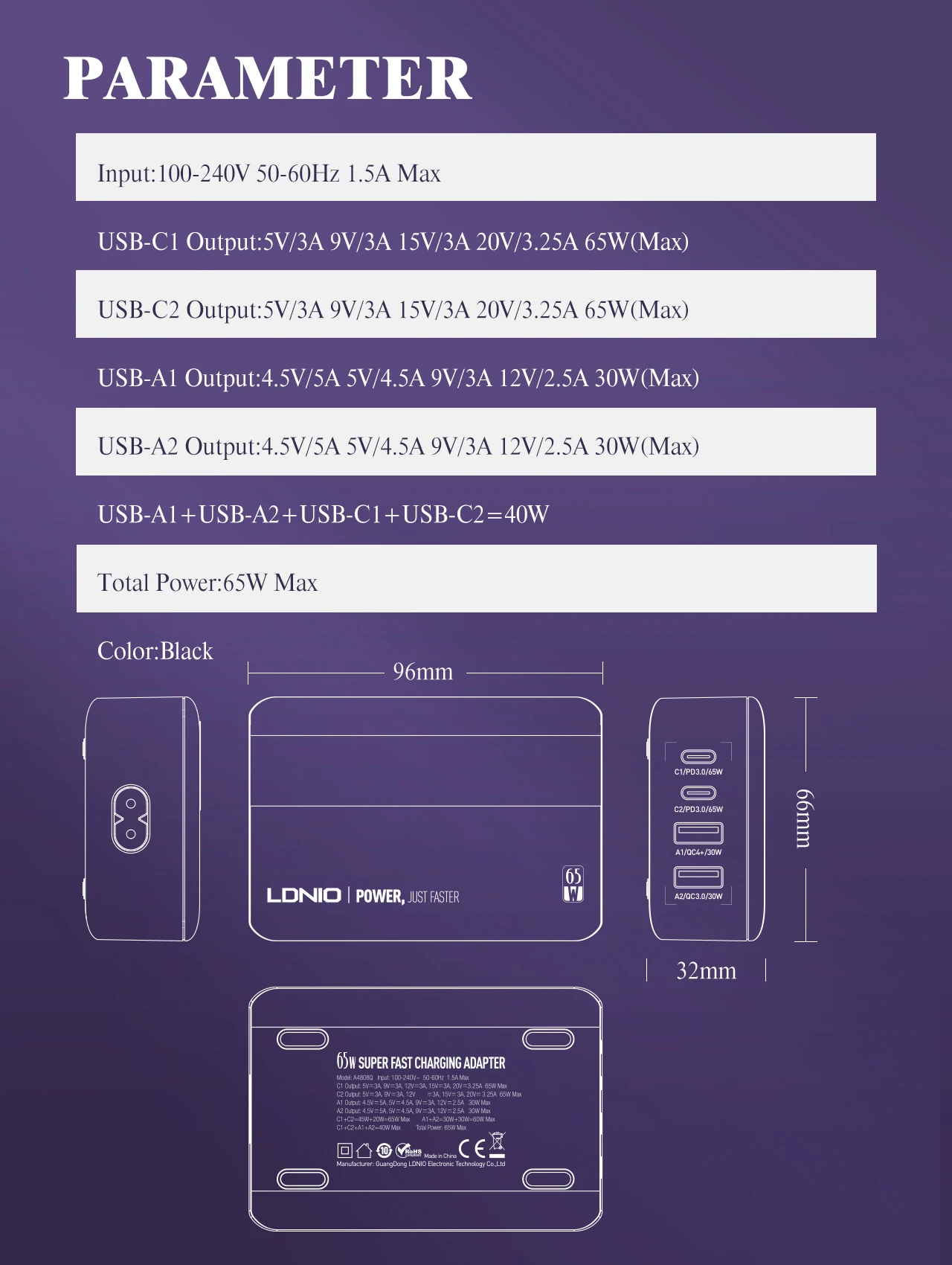
Enclosure Size: 96mm*66.4mm*31.5mm
GaN: Yes
High-concerned chemical: None
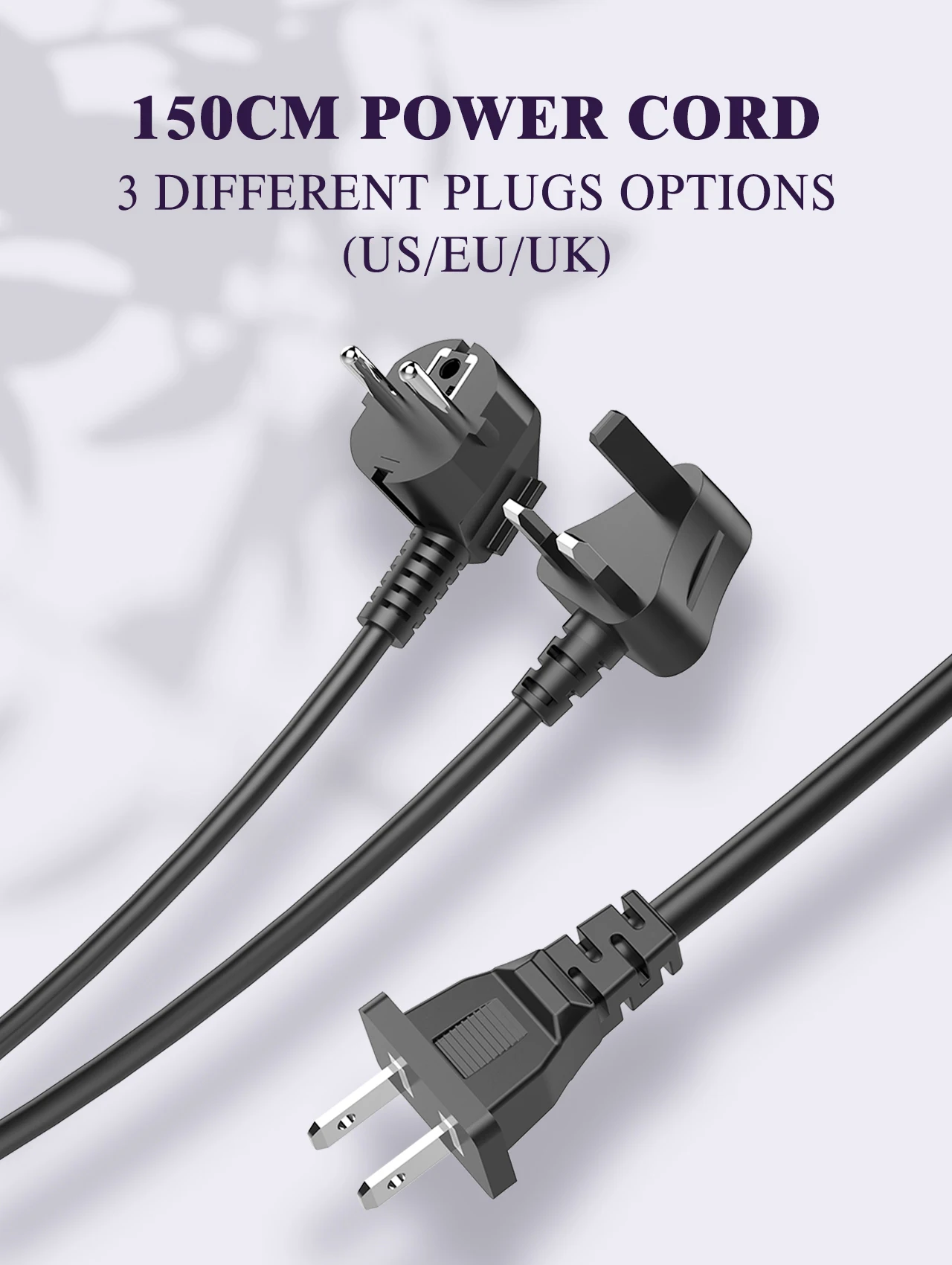
Included Components: 65W USB C Charging Station,5ft Extension Power Cable
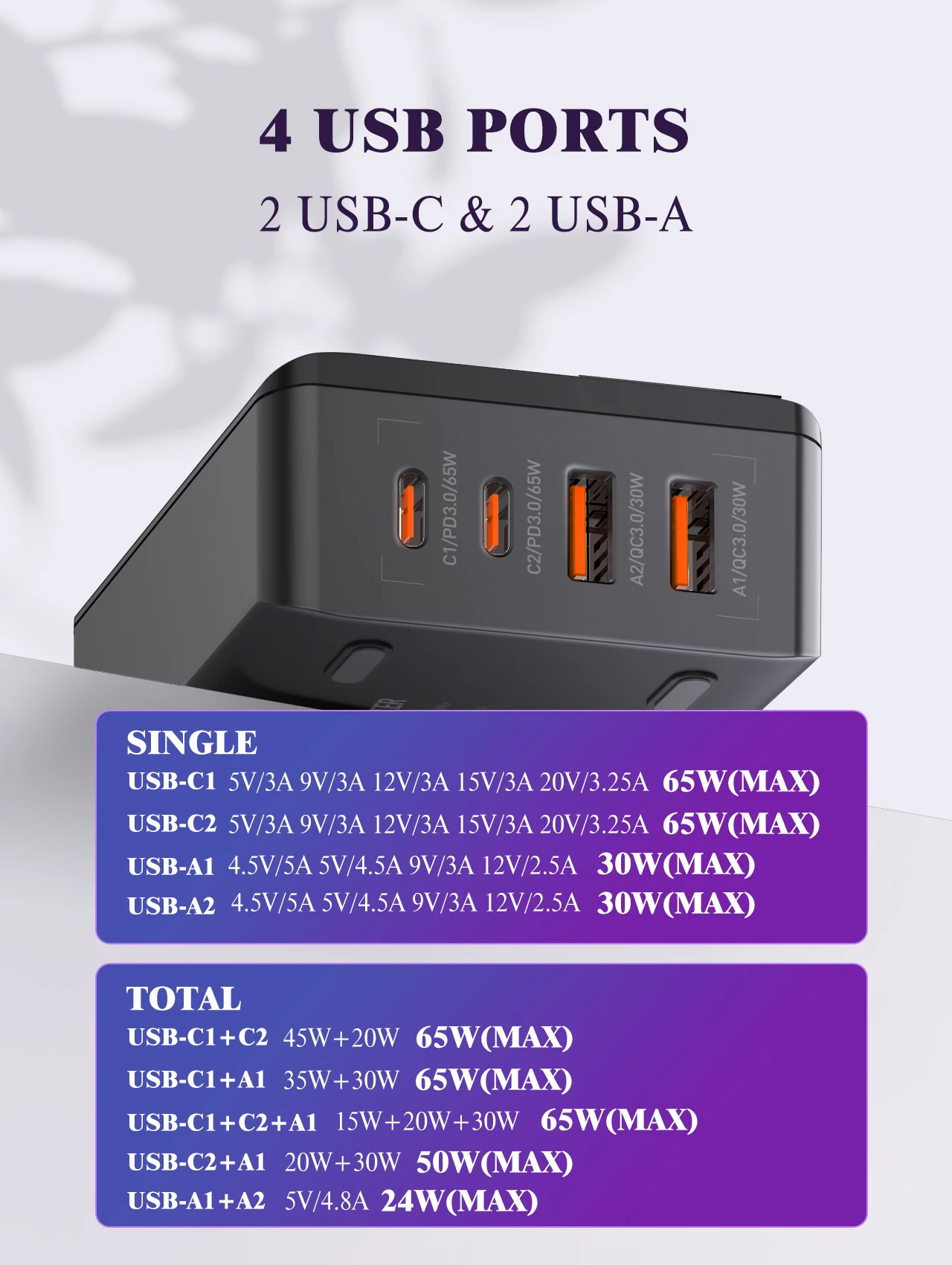
Max. Output Power: 65W
Model Number: A4808C
Origin: Mainland China
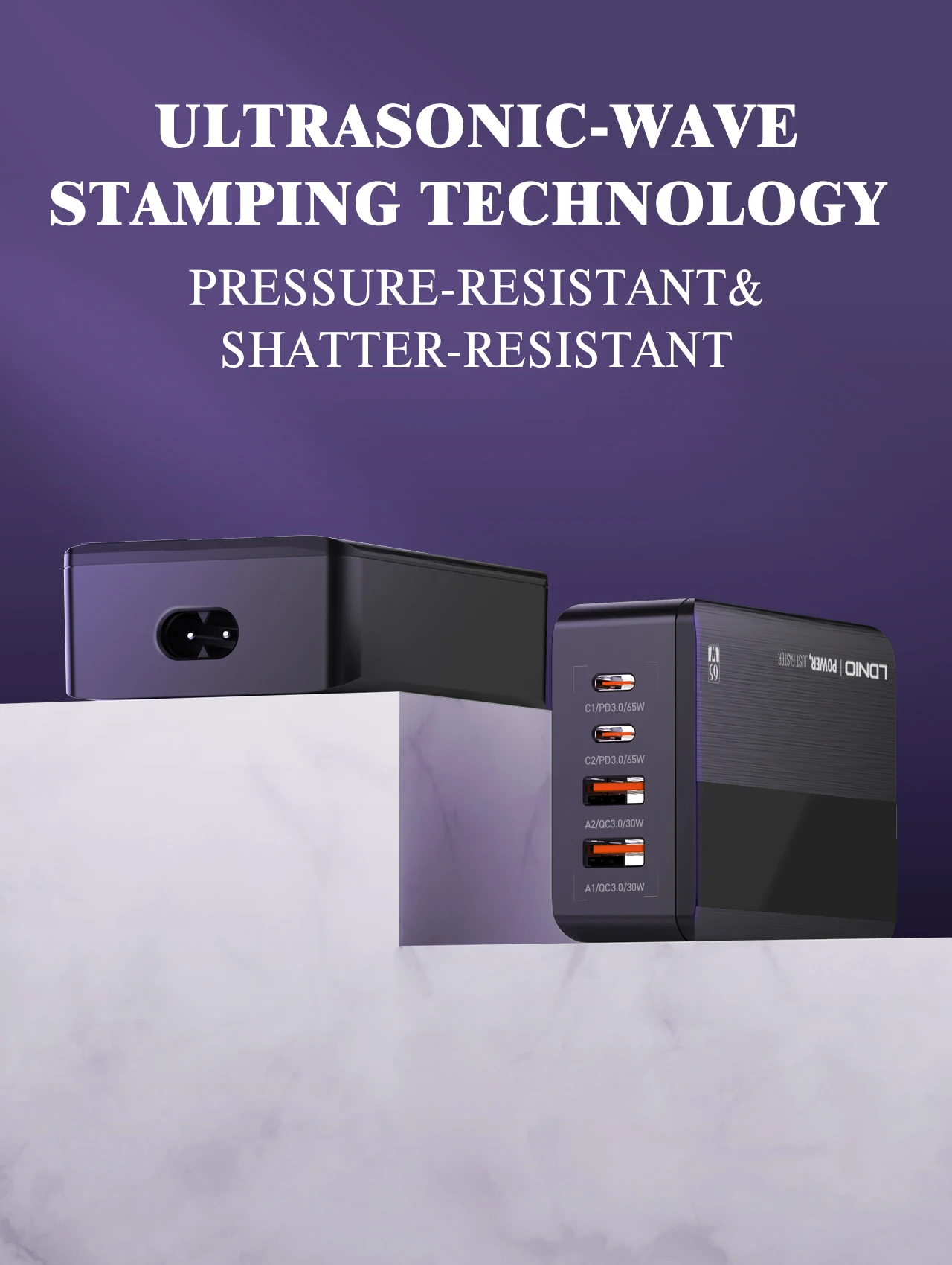
Output Interface: 2 A Ports,2 C Ports
Power Source: A.C. Source
Rated input voltage: 100V--240Vac
Special Feature1: LED Display
Special Feature2: 4-Ports USB Charger Station
Special Feature3: Lightweight Design
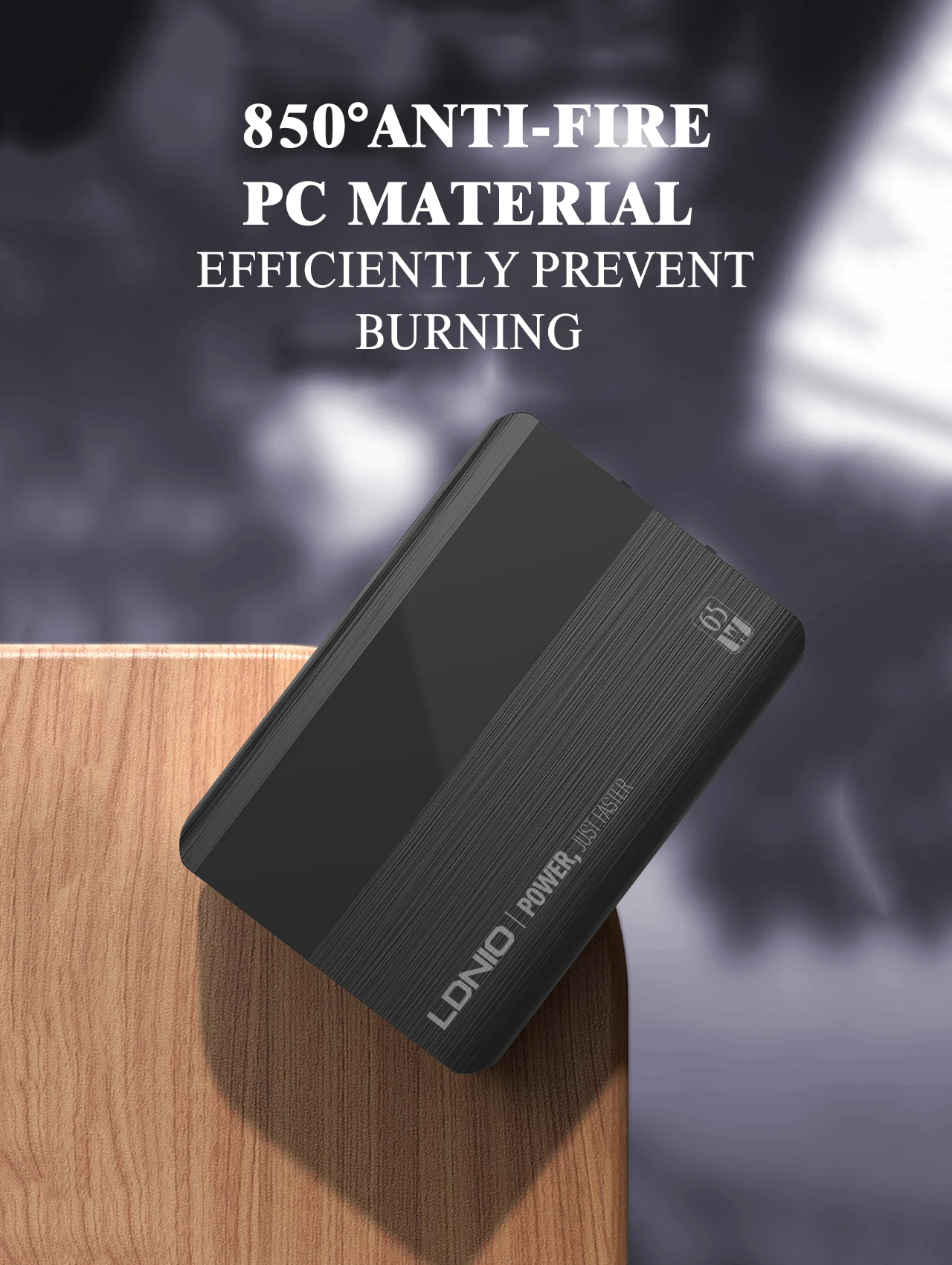
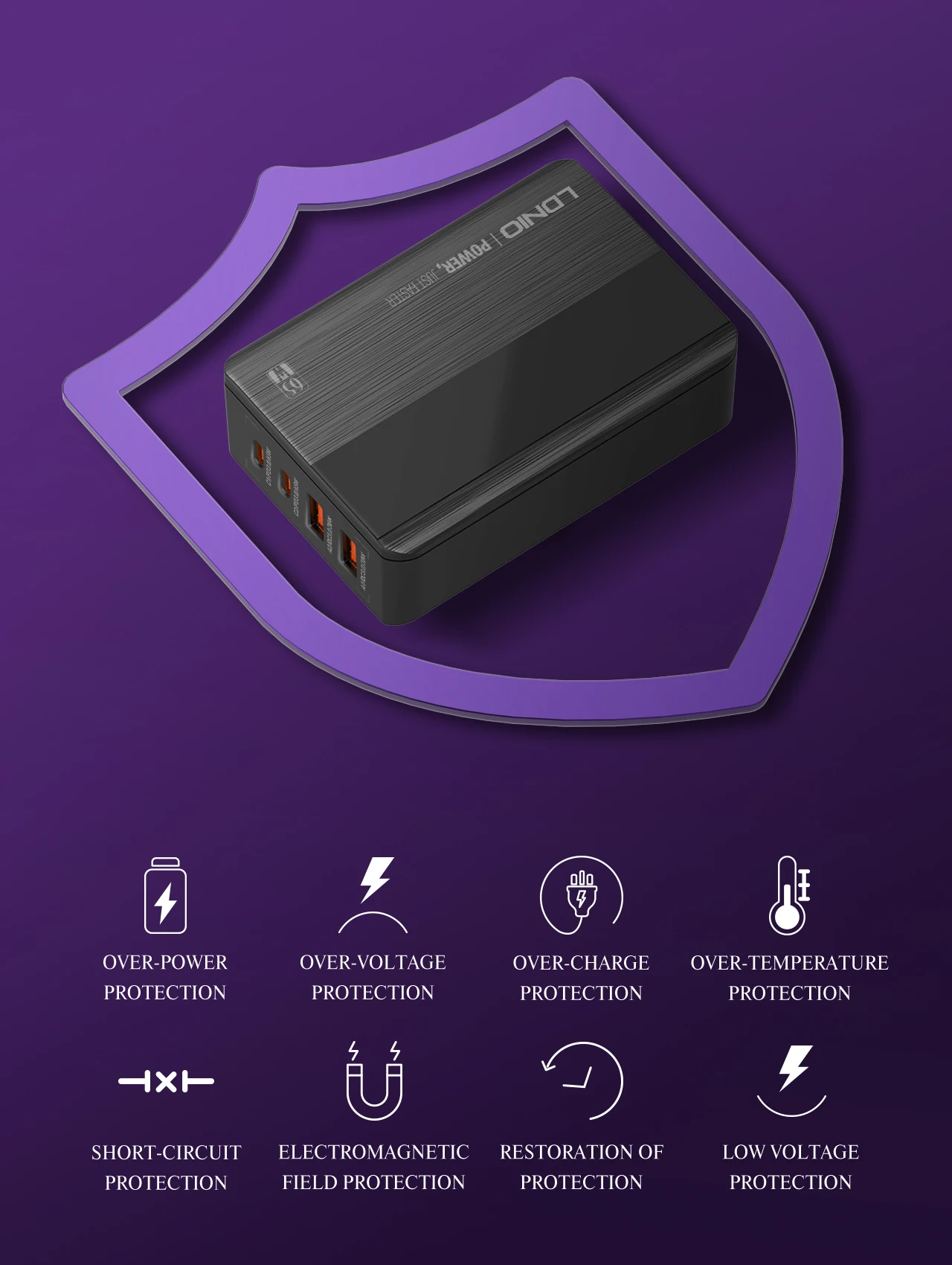
Special Feature4: Safty Protection
Type: Desktop
semi_Choice: yes

 Choose a fast charger for your SAMSUNG device
1 check if your Samsung smartphone supports fast charging
First, check if your Samsung smartphone supports fast charging. Since 2019, almost all Samsung smartphones support fast charging . Only more old phones like the A10, don’t always support fast charging.
2 check which type of Samsung fast charging you need
A series* - Adaptive Fast Charging/New S series (from S20) - Super Fast Charging/Old S series (S10 and older) - Adaptive Fast Charging/New Note series (from Note 10) - Super Fast Charging/Old Note series (S10 and older) - Adaptive Fast Charging/M series - Adaptive Fast Charging/Flip series, first Fold - Adaptive Fast Charging/Fold series since the Fold 2 - Super Fast Charging
3 choose a charger with the right power
Charing is faster with a higher power, but ONLY if your smartphone supports this power. Devices with Adaptive Fast Charging support charging with a maximum of 15W. A charger with a higher wattage isn’t faster, but isn’t harmful to your smartphone either. For super Fast Charging , there are two chargers, a 25W and a 45W. Charging with 45W is about 10 minutes faster. Only the S22 Plus, S22 Ultra, Note 10 Plus, and Note 20 support this.
4 make sure you have the right cable
Which cable you need differs per fast charging technique. Adaptive Fast Charging cables have a squared USB-A port. You can use the standard USB-A to USB-C cable for this. Super Fast Charging chargers have an oval USB-C port. If you want to charge with this one, you need a cable with 2 USB-C connectors. Note: Our charger DO NOT support 45W PPS fast charging at full speed, but SUPPORT 25W PPS fast charging.
Warm Tips:
1 When charging multiple devices, each time a new device is connected, it will cause a short charging pause for the other devices. This short pause is because the desktop charger is Intelligently Redistributing Power based on the device's own protocols to protect your device's battery.
2 When multiple ports are used at the same time, the output port corresponding to the current display value will flicker continuously 6 times, and the current display will be cyclically switched. For example, when USB1 and C2 are used at the same time, the two characters will flash 6 times, corresponding to the actual current value.
3 Please check if your smart device supports Fast Charging and the Maximum Charging Power. The charging power is determined by your device and the maximum charging power obtained varies from device to device.
4 It can be slow when using a third-party cable to charge. Please use cables that support FAST CHARGING speeds.
5 Please note that the Extension Cord is Separate from the USB C Charger.
Customer Reviews
지불 및 보안
Your payment information is processed securely. We do not store credit card details nor have access to your credit card information.