


Descrizione
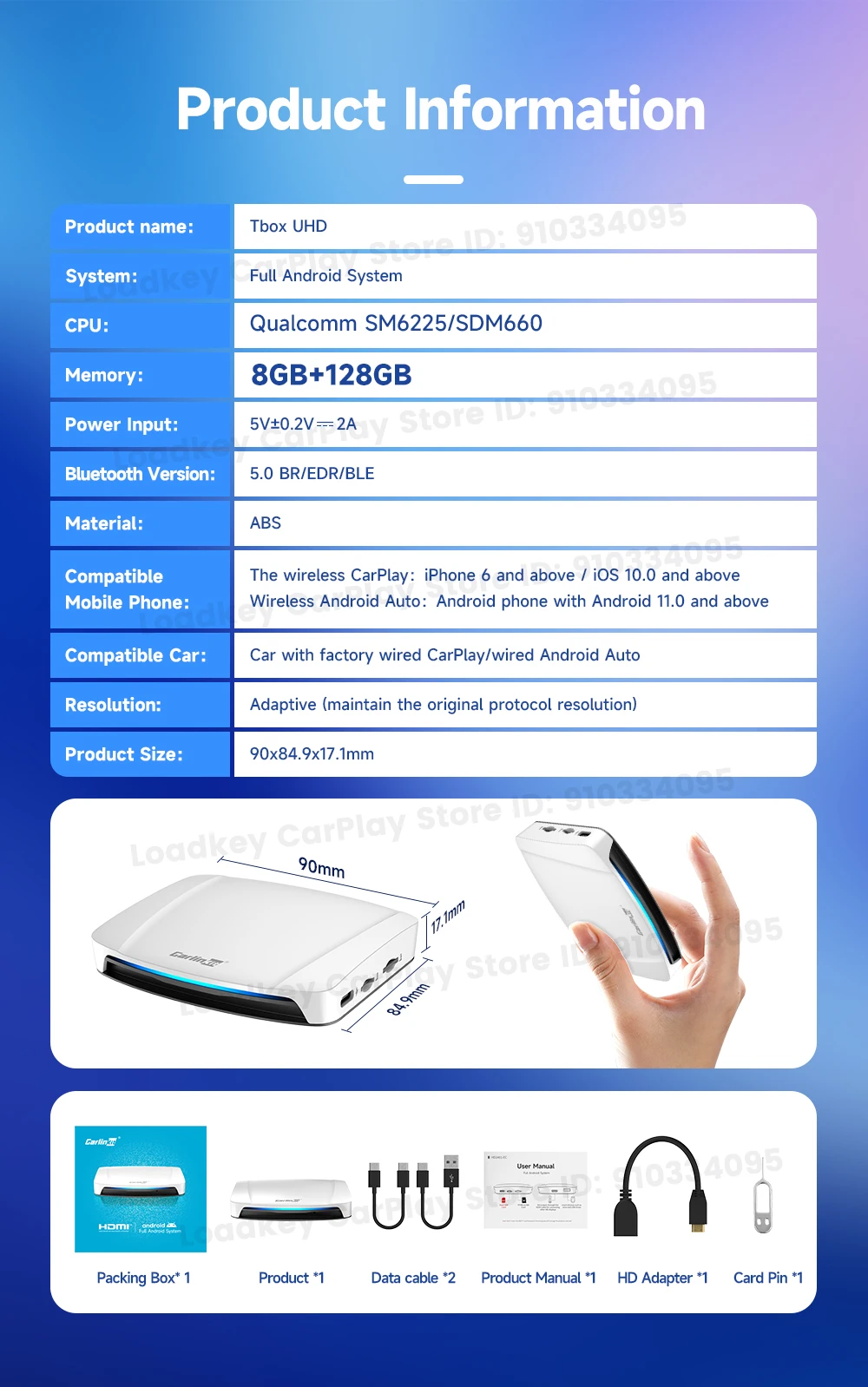
SPECIFICATIONS
Blunetooth: 5.0
Brand Name: Carlinkit
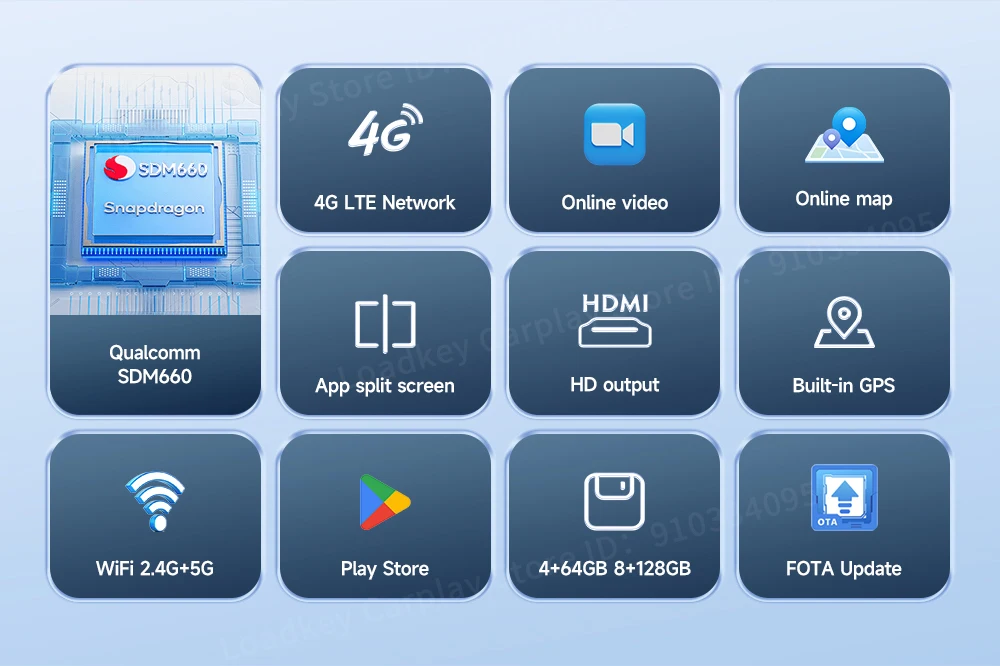
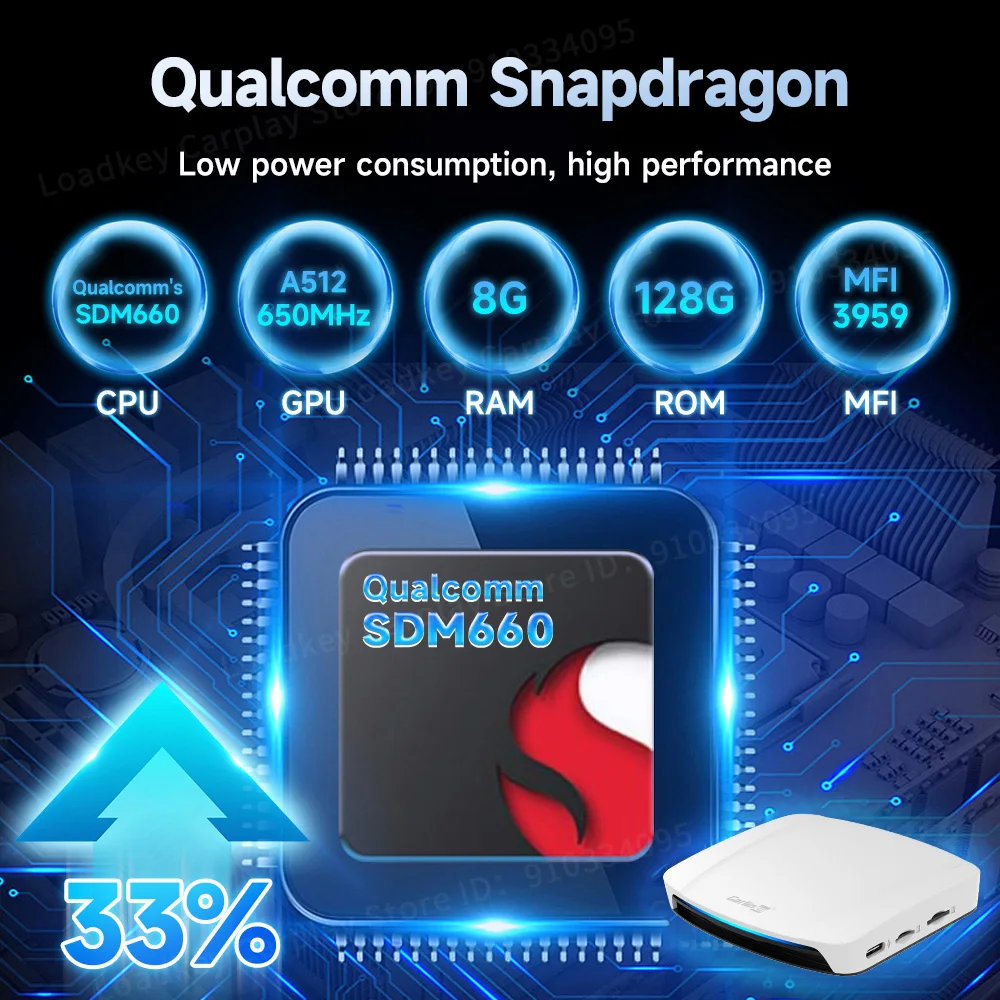
CPU: Qualcomm's SDM660
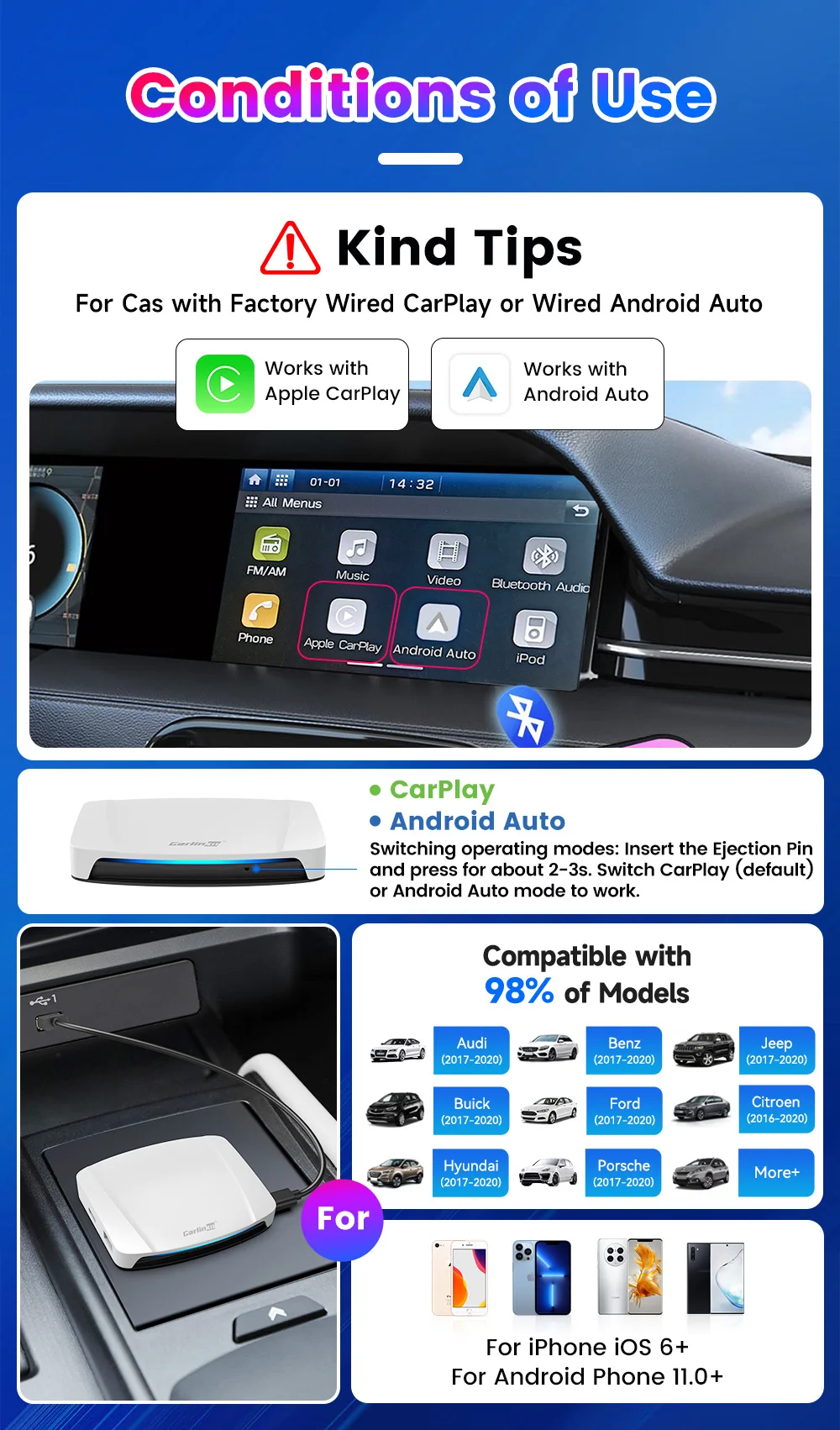
Compatible Car: Car with factory wired CarPlay/wired Android Auto
Date Cable: USB-A to USB-C*1,USB-C to USB-C*1,HD Adapter*1
Feature: The screen can be split and switched to display without interfering
Feature 2: Support online HD audio-visual entertainment, play online HD audio-visual function
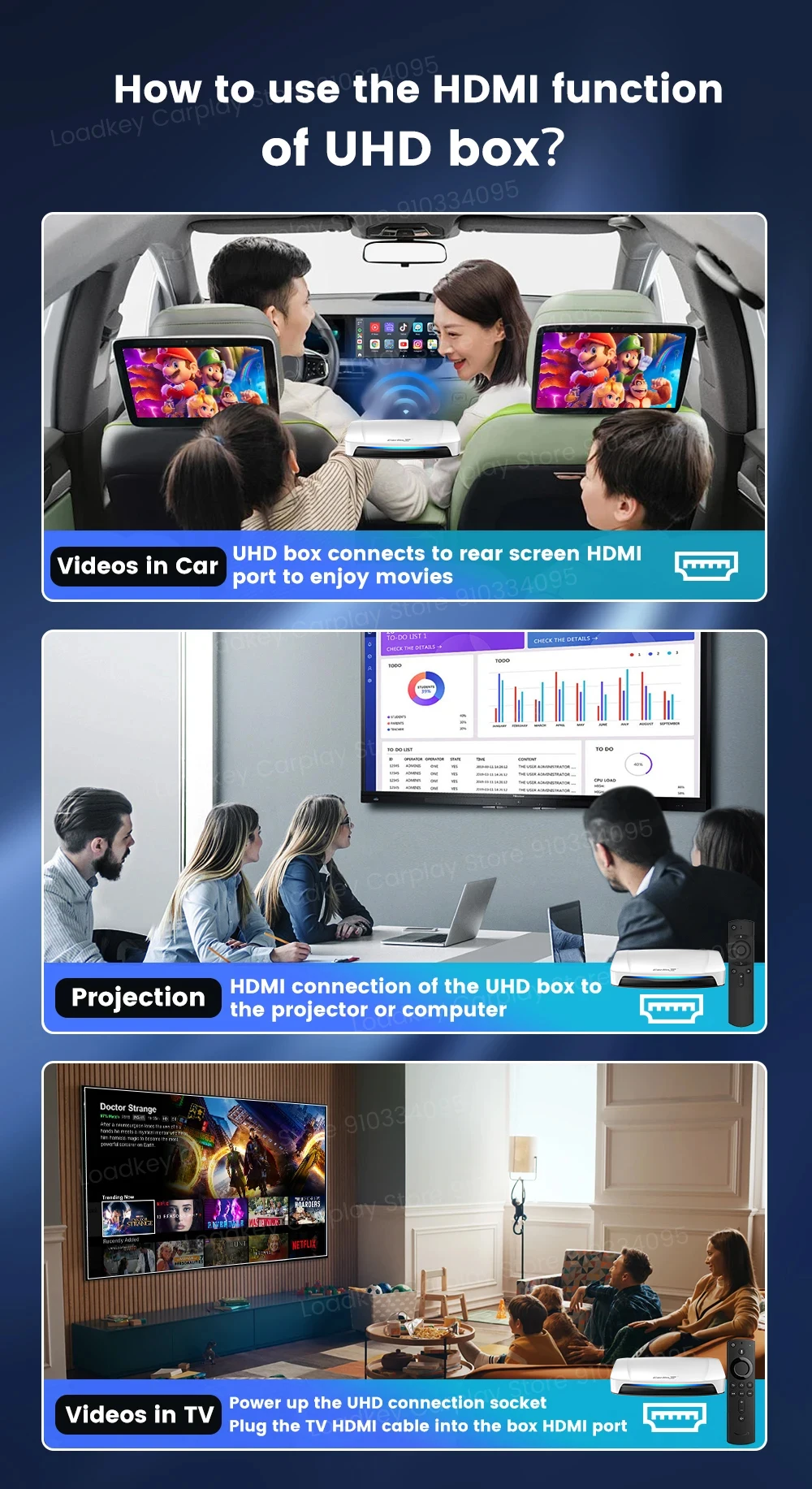
Feature 3: Support the HD output for connecting other HD displays
Feature 4: Continue the buttons, knobs and other operations of the original car
Feature 5: Support for switching between original CarPlay and original Android Auto dual modes
GPS: Built in GPS
Hign-concerned Chemical: None
Language: Global
Model: Tbox-UHD
Origin: Mainland China
Product Size: 90x84.9x17.1mm
RAM: 4GB/8GB
ROM: 64GB/128GB
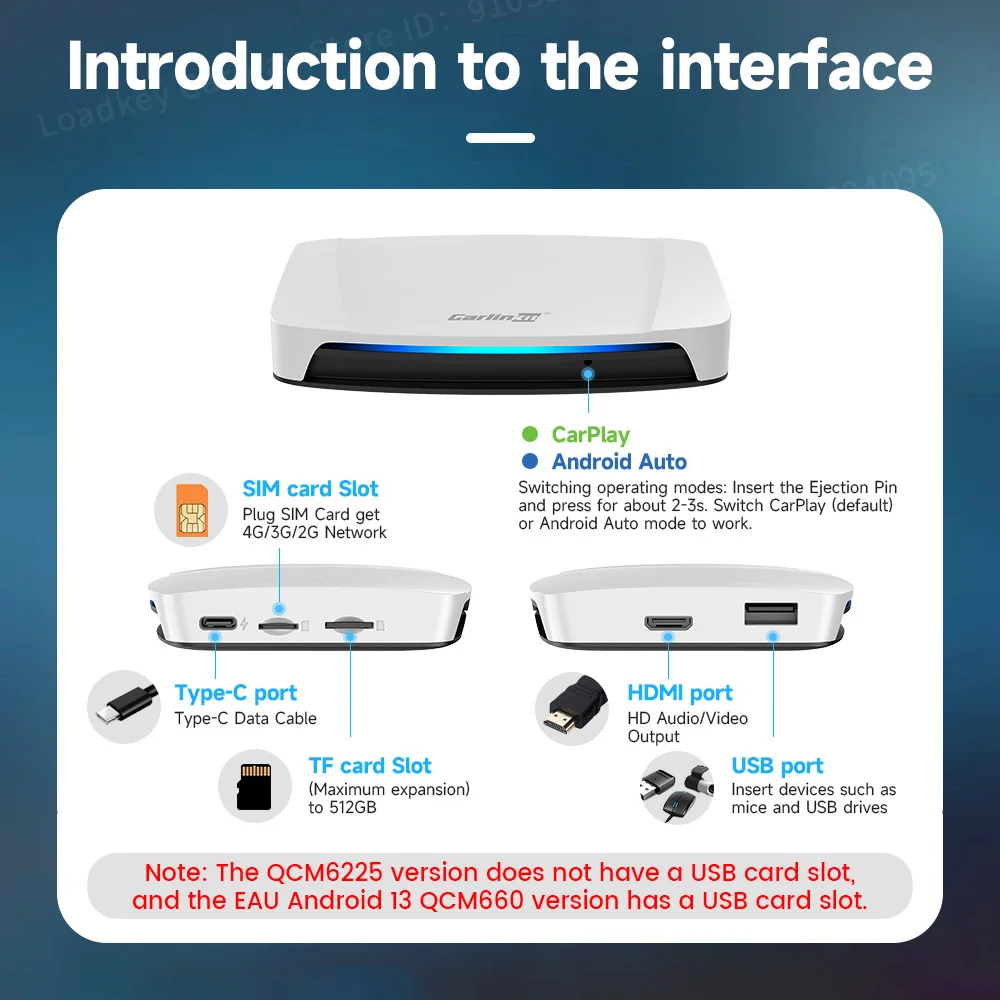
Slot: Type-C Female Port,TF Card Slot,USB Port,HDMI port,LED Light
Support Extension: 512GB
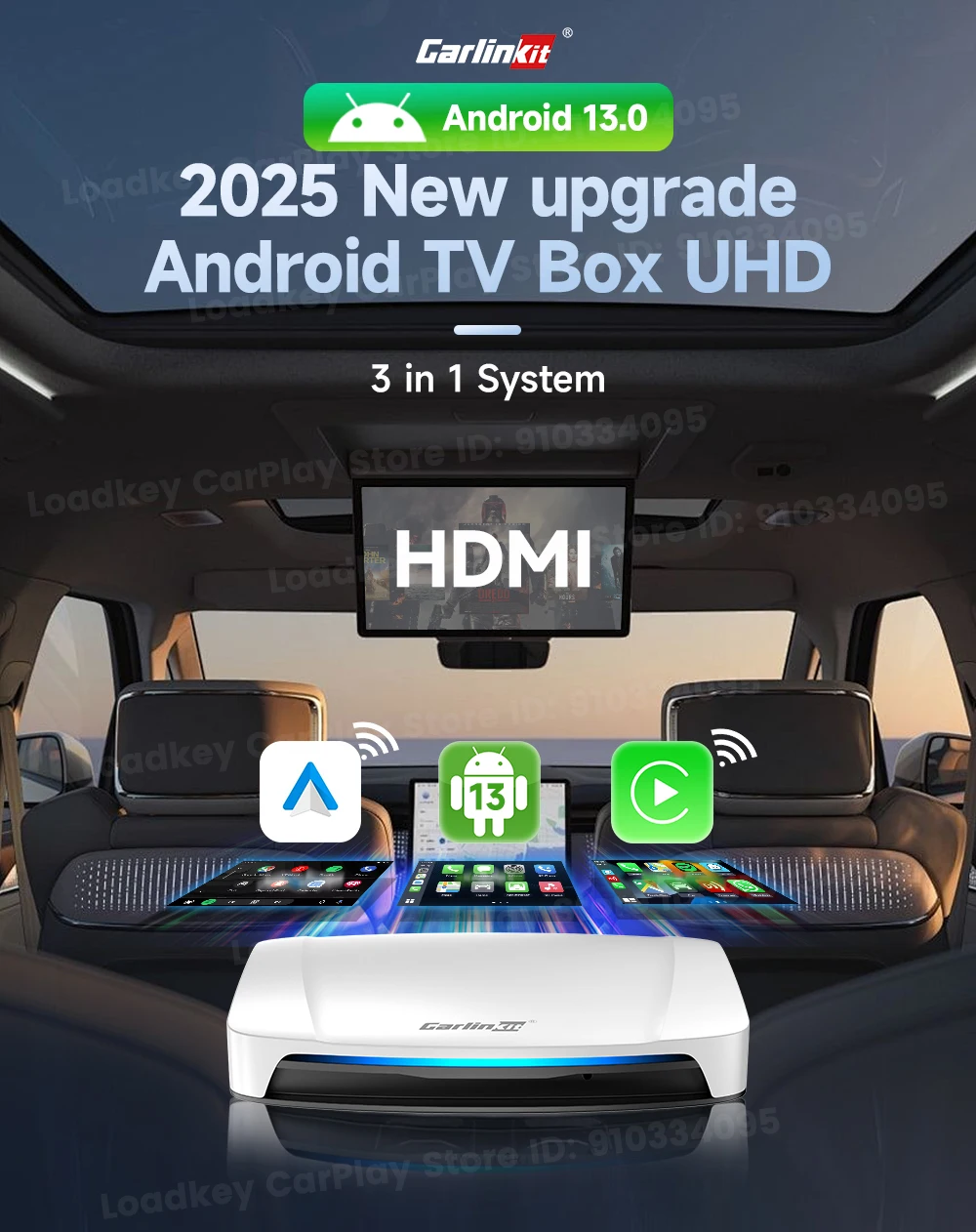
System: Android 13.0 system
The wireless CarPlay: iPhone 6 and above / iOS 10.0 and above
WiFi: 2.4G+5G
Wireless Android Auto: Android phone with Android 11.0 and above
COMPATIBLE WITH 98% OF MODELS
Applicable models: Original cars with wired CarPlay/Android Auto
Newly upgraded HD output
You can connect the HD display in your car, and you can also split the screen to enjoy HD video anytime and anywhere

解除屏蔽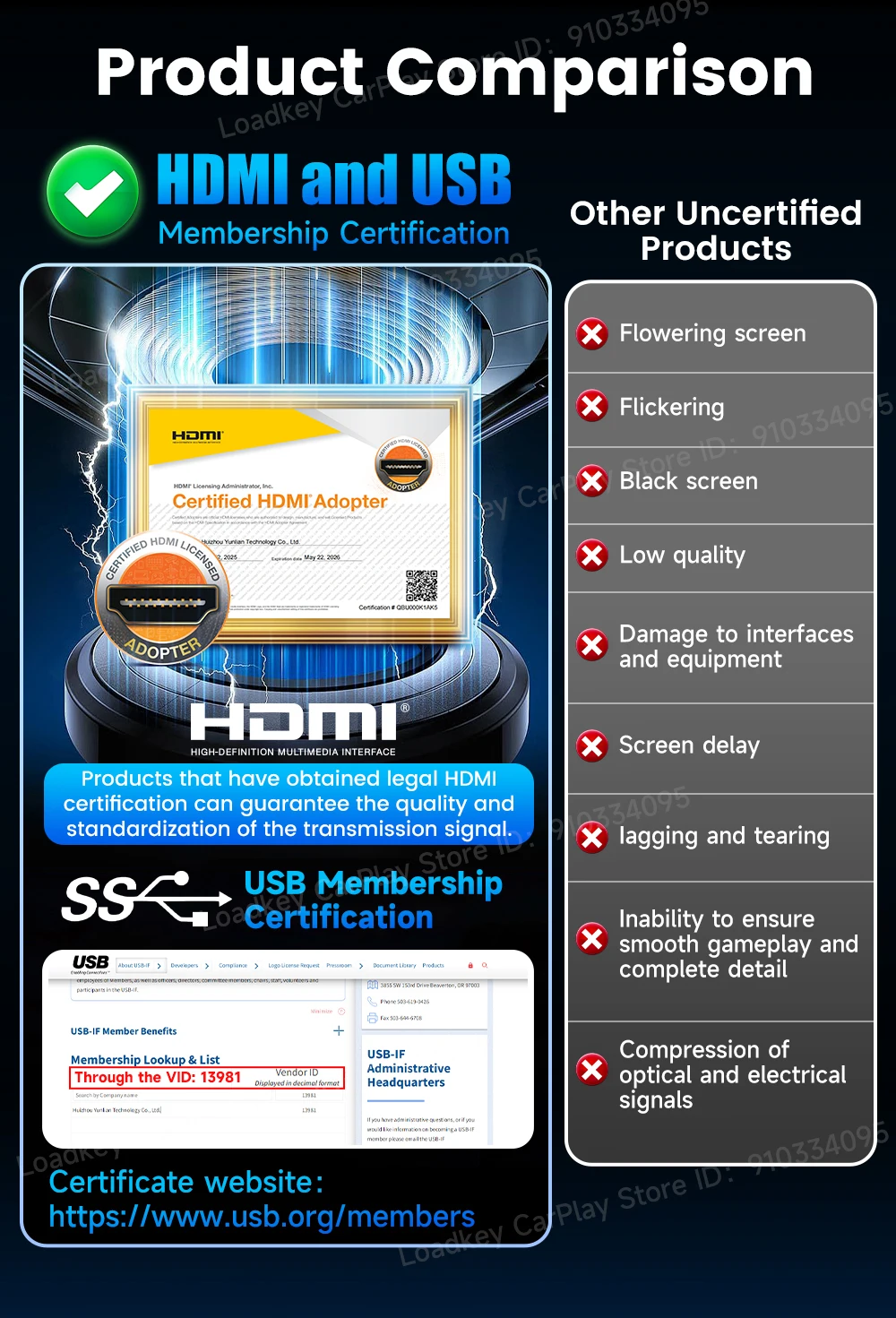
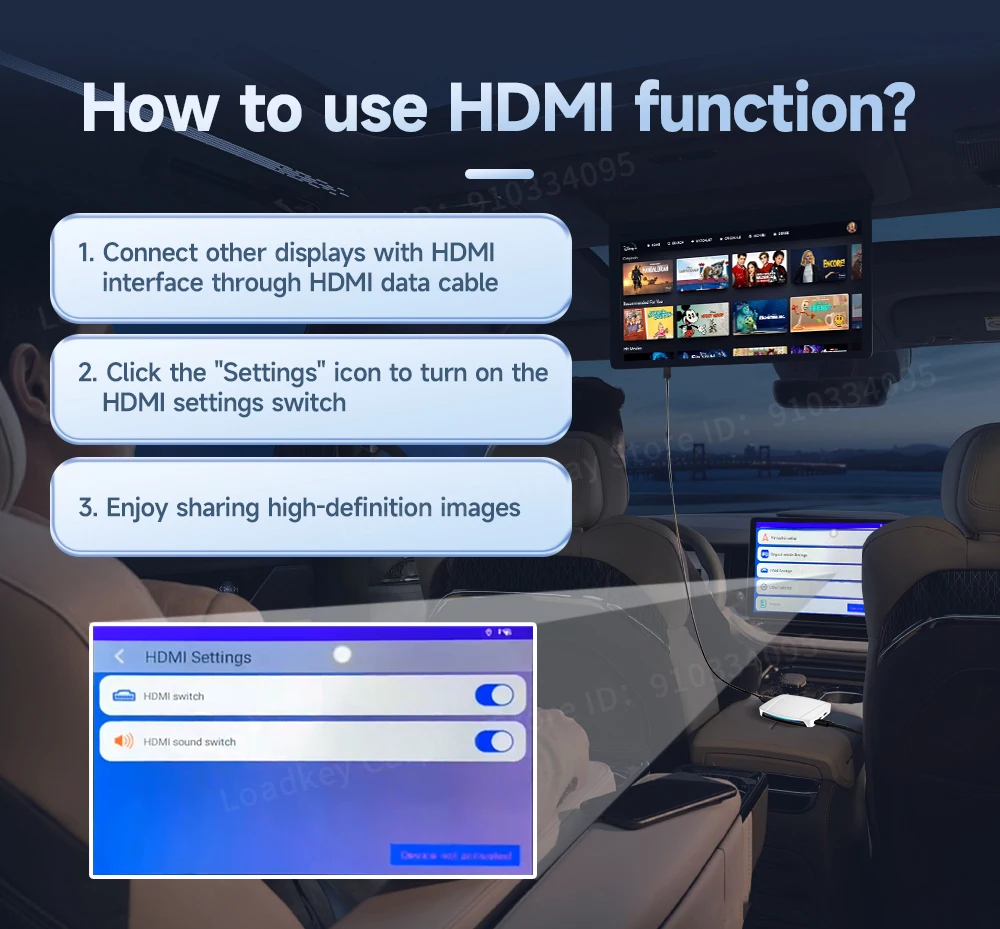
How to use HDMI function?
1. Connect other displays with HDMI interface through HDMI data cable
2. Click the "Settings" icon to turn on the HDMI settings switch
3. Enjoy sharing high-definition images
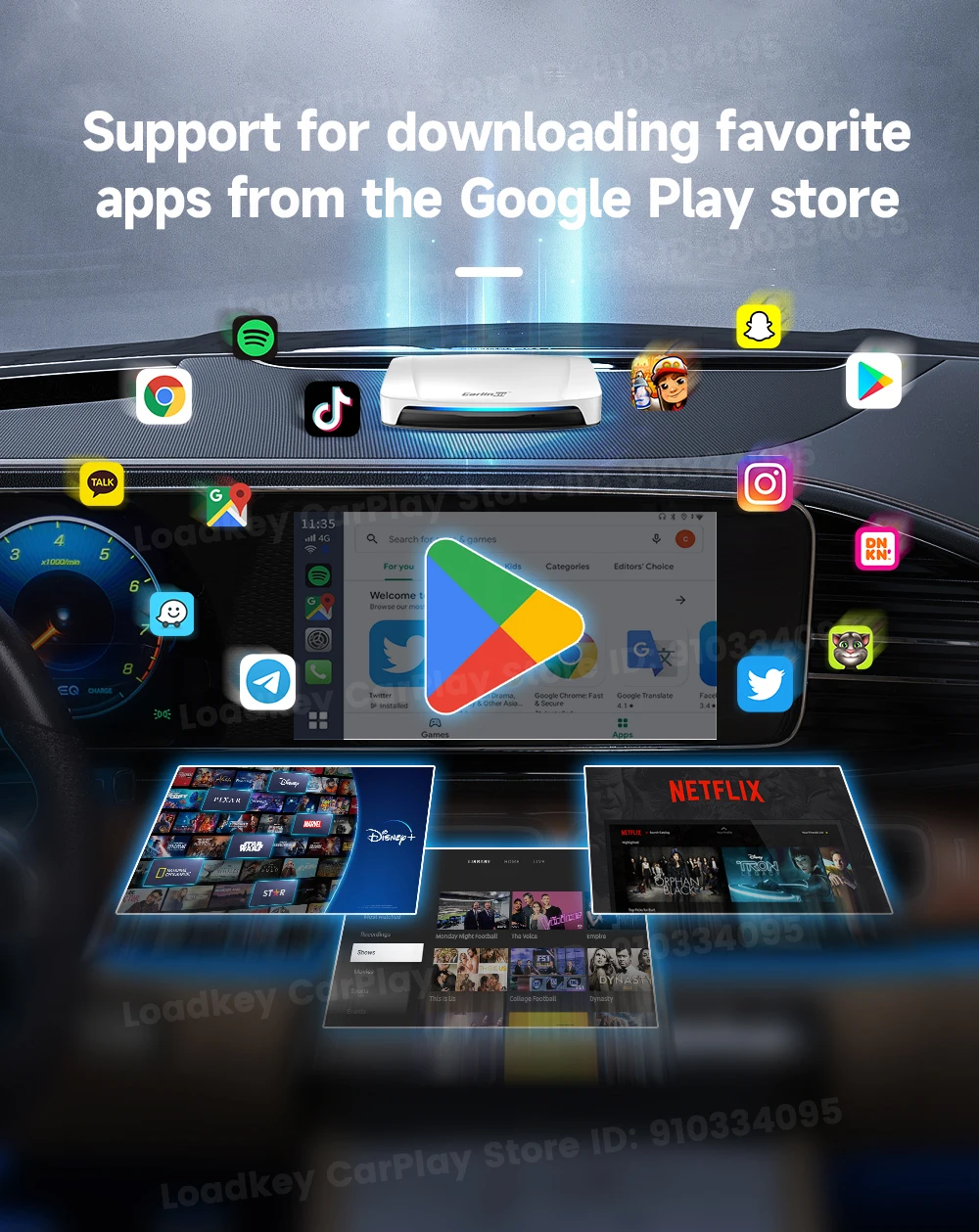
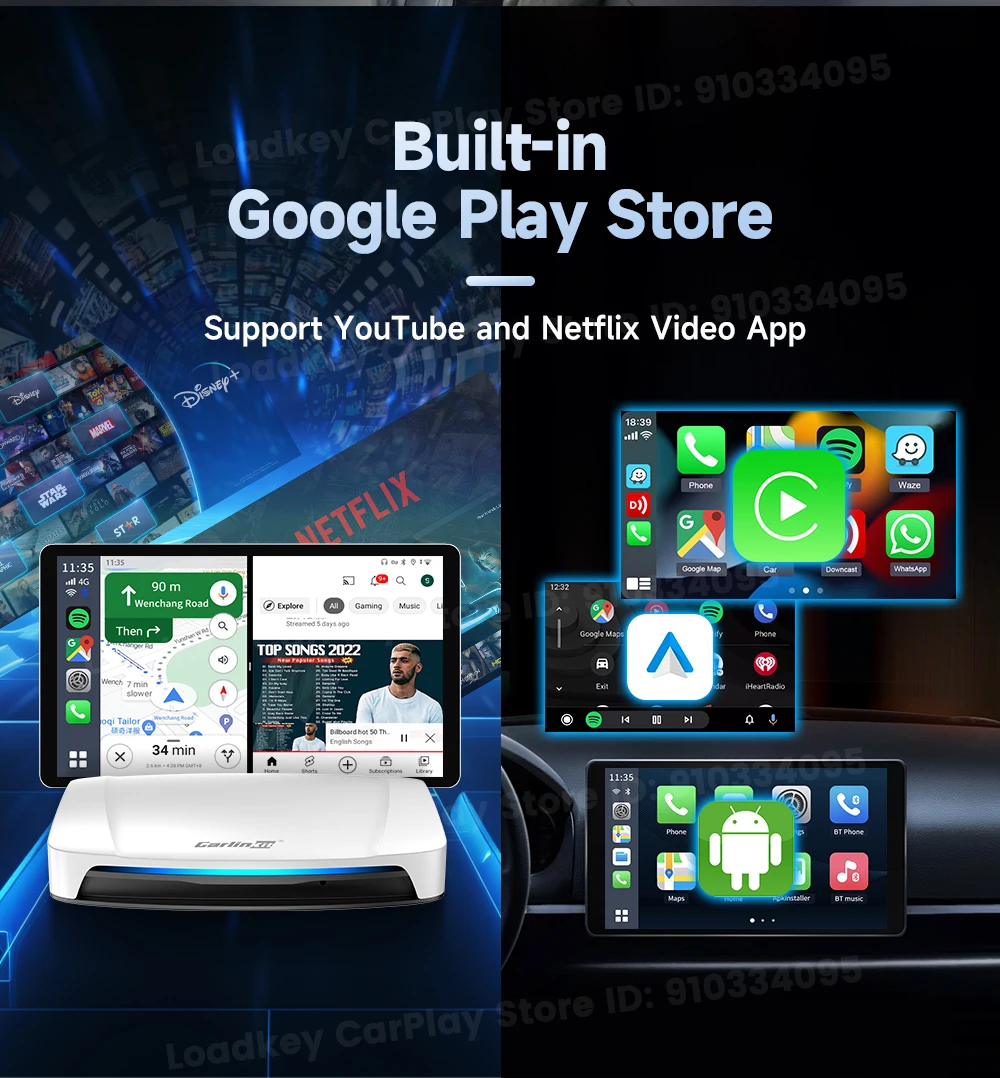
Support for downloading favorite apps from the Google Play store
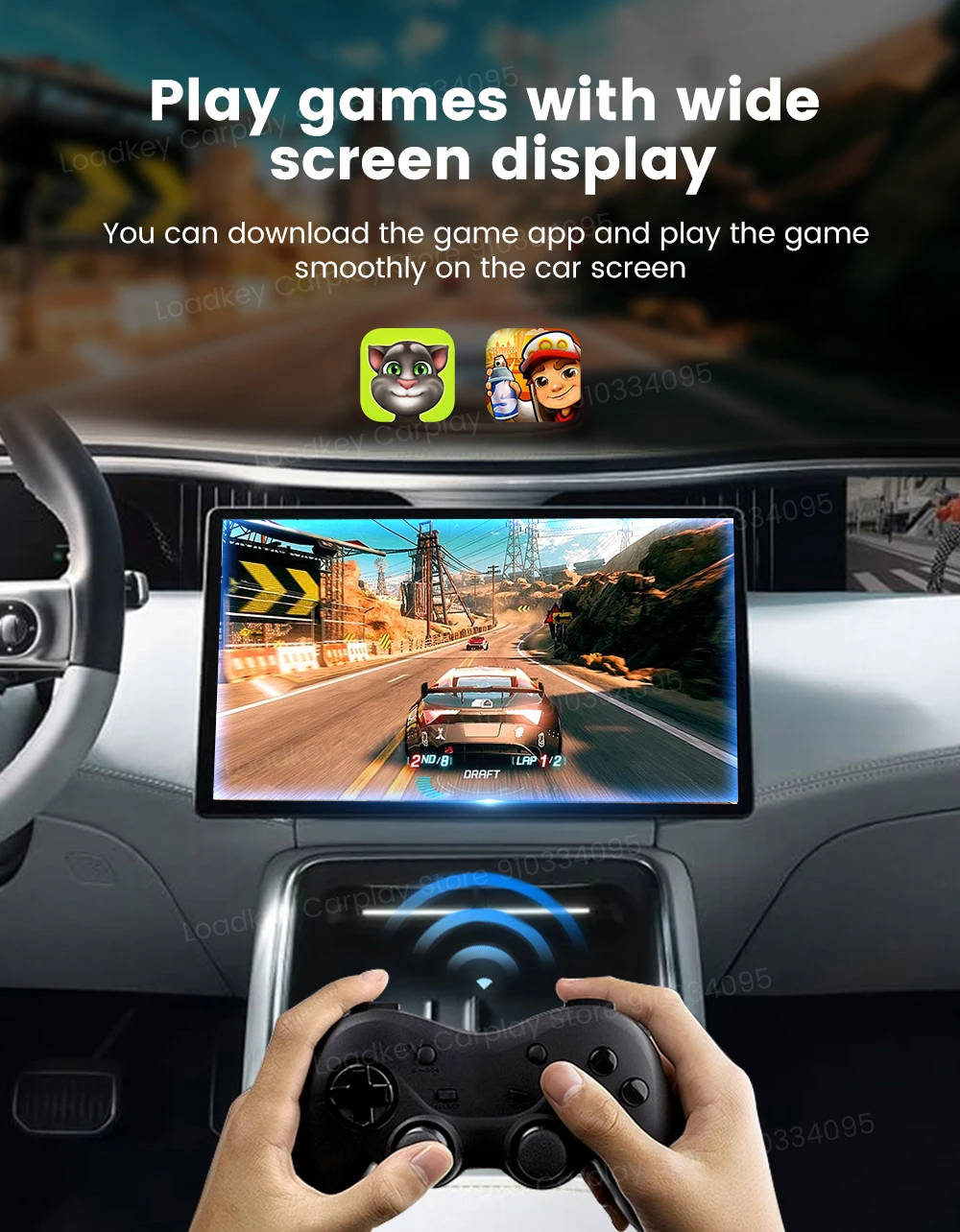
Play games with wide screen display
Continue the original car buttons, knobs and other operations

Wireless CarPlay & Wireless Android Auto
Get rid of the trouble of wired connection, wireless automatic connection wireless CarPlay

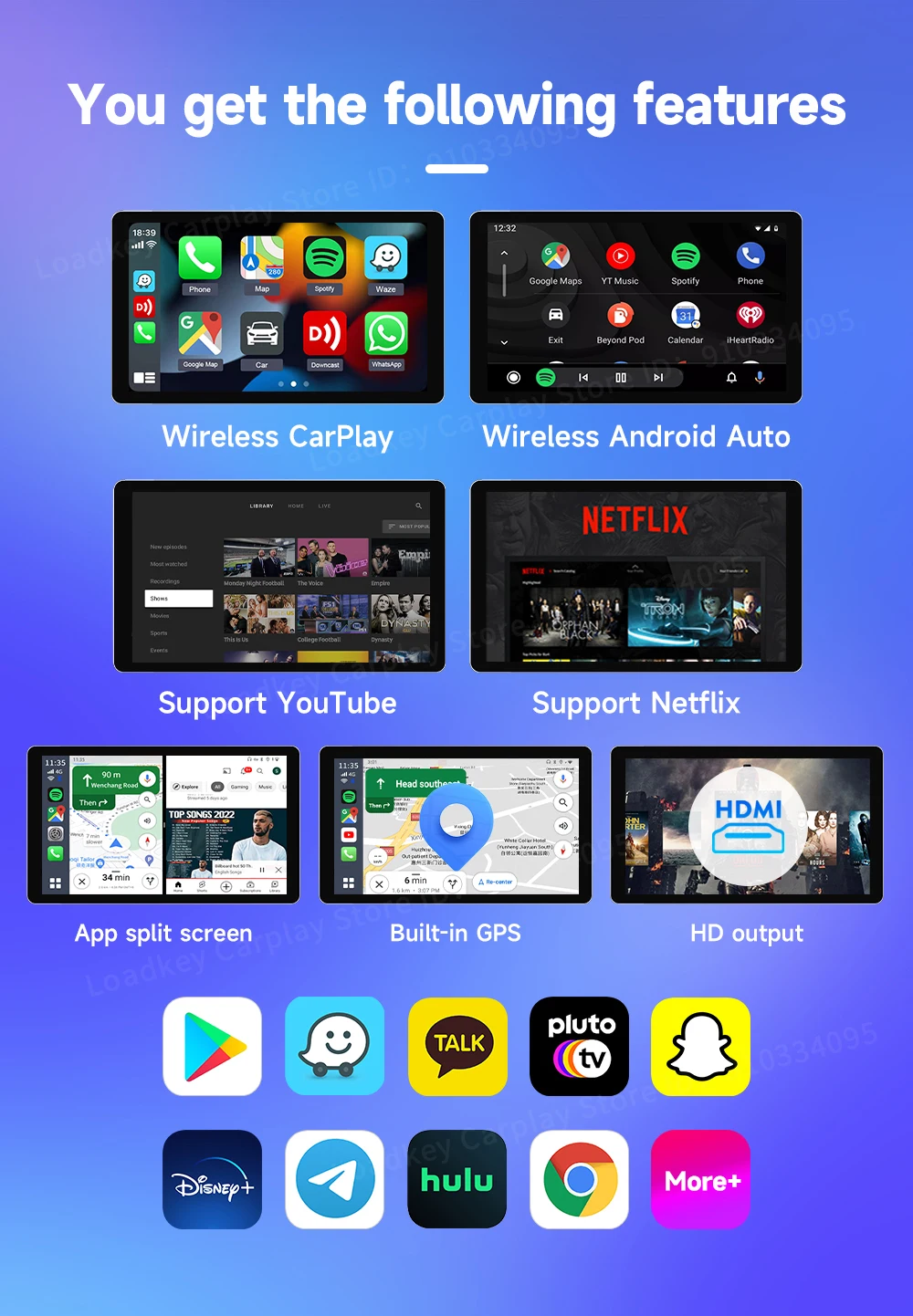
You get the following features
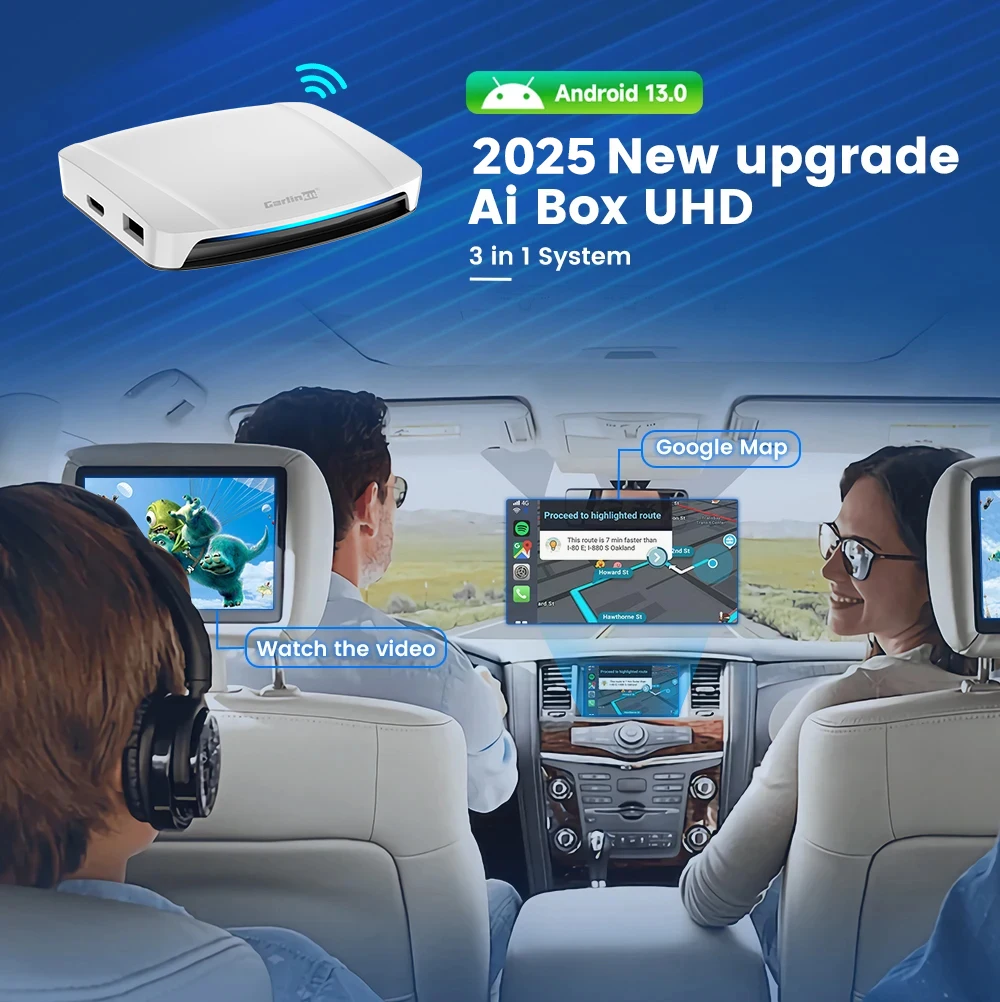
Qualcomm Snapdragon SDM660
Built-in gps navigation and positioning system

Memory expansion
Can be inserted into the maximum expansion space of 512GB TF(Micro SD) Card
The light will change freely when turned on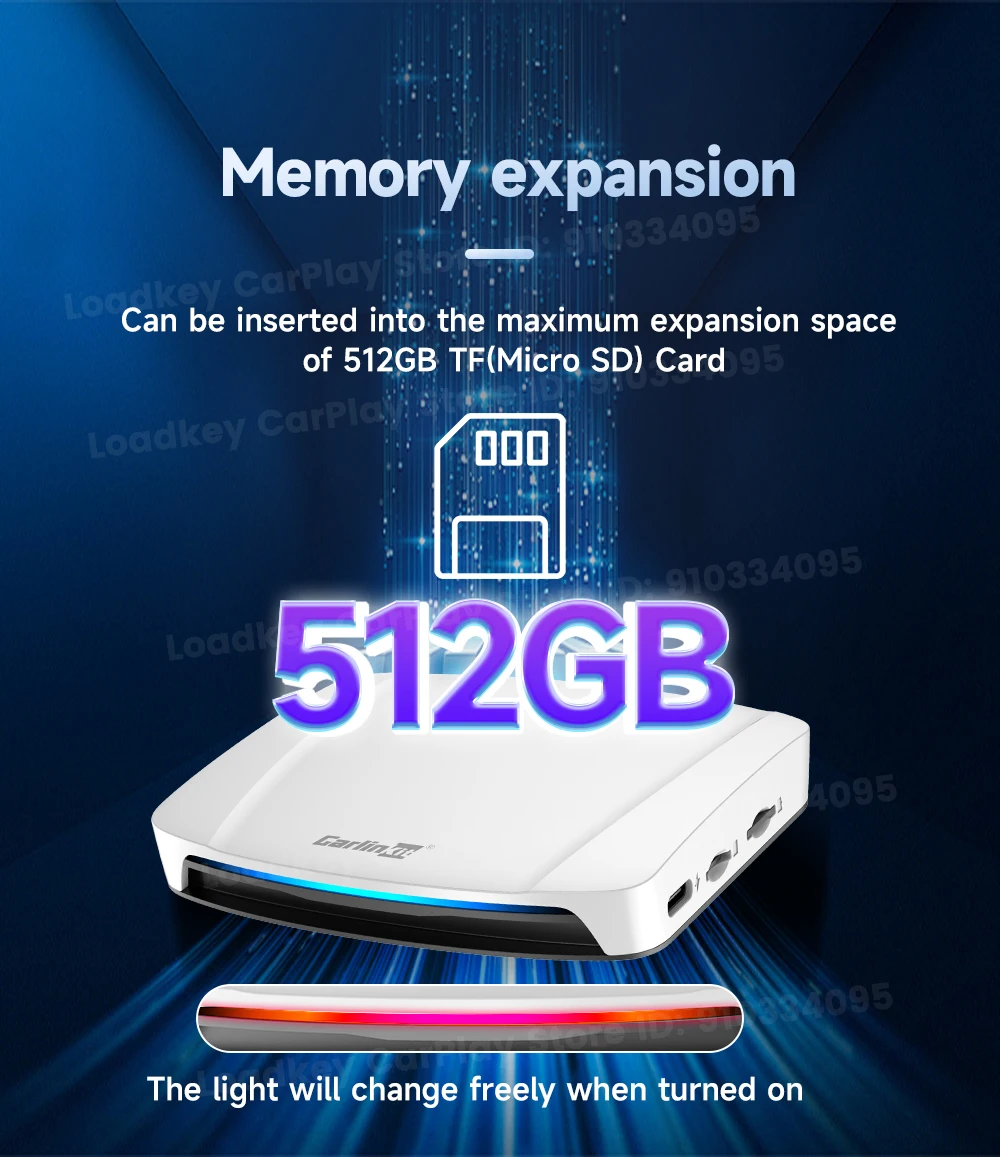
Play and Plug
Easy to lnstall, after the first connection is successful,
next connection is automatic.

Port Description
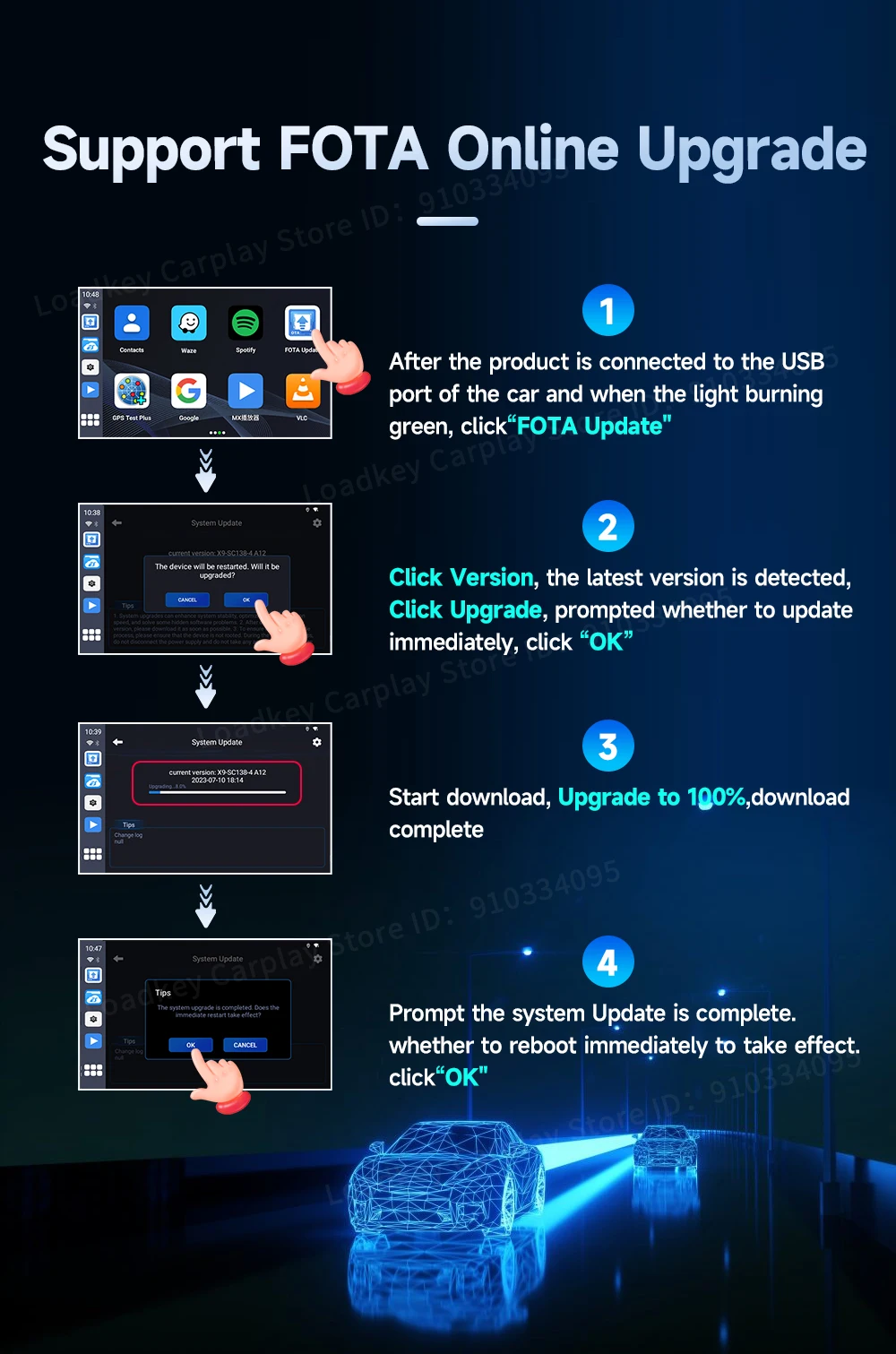
Support FOTA Online Upgrade
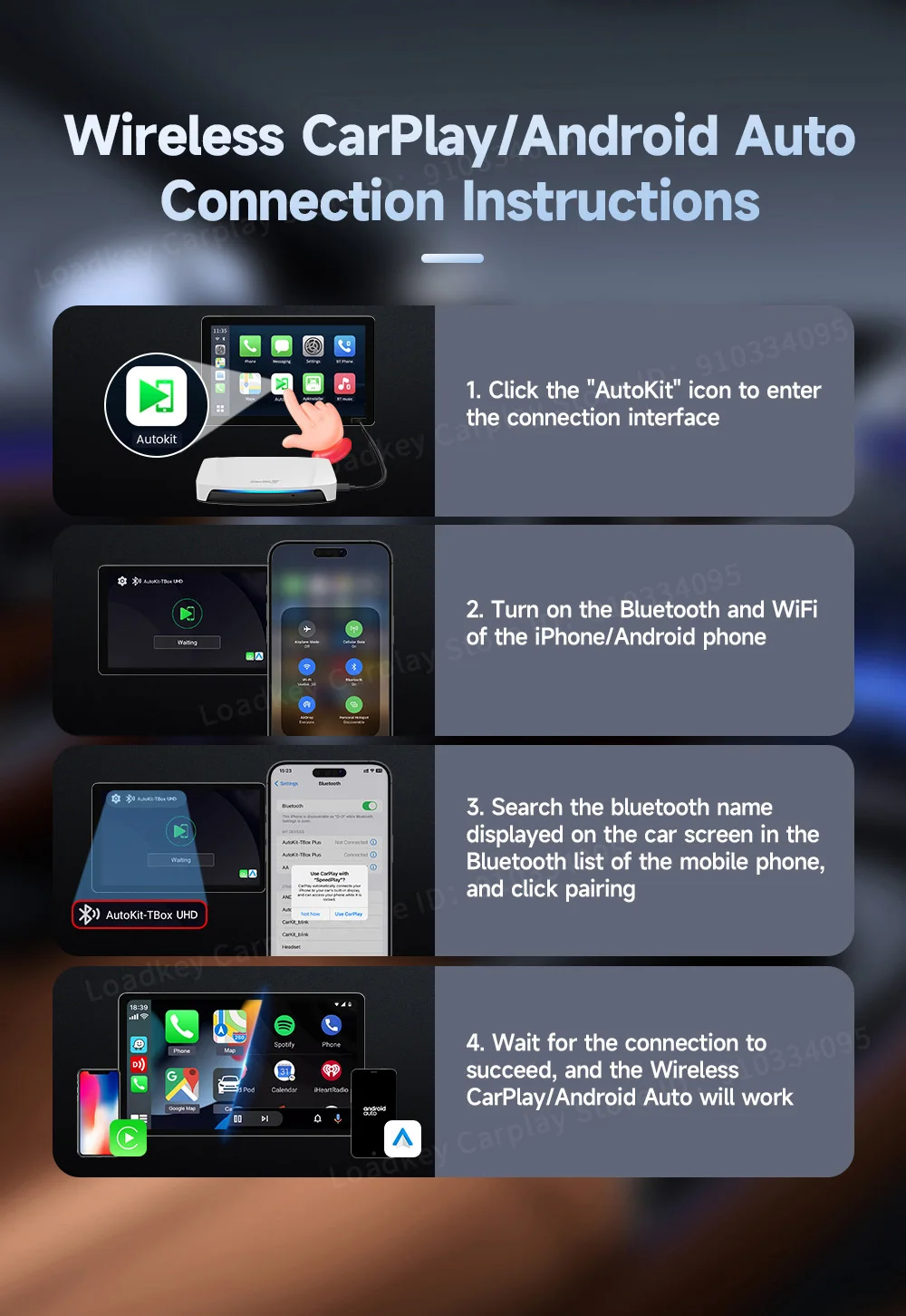
Wireless CarPlay/Android Auto Connection Instructions
1. Click the "AutoKit" icon to enter the connection interface
2. Turn on the Bluetooth and WiFi of the iPhone/Android phone
3. Search the bluetooth name displayed on the car screen in the Bluetooth list of the mobile phone, and click pairing
4. Wait for the connection to succeed, and the wireless CarPlay/Android Auto will work
Product lnformation


지불 및 보안
Le tue informazioni di pagamento vengono elaborate in modo sicuro. Non memorizziamo i dettagli della carta di credito né abbiamo accesso alle informazioni della tua carta di credito.