


説明
SPECIFICATIONS
Application: Desktop
Black and White Response Time: 1 ms
Bracket Type: Ordinary Bracket
Brand Name: IHANFO
Brightness: 500cd/m
Built-in Speaker: No
Certification: CE,RoHS
Compatible con Raspberry Pi 4: 1024*600
Contrast Ratio: 800:1,850:1
Display Ratio: 16:10
Display Size: 23.6",7
Feature: Usb port,Touch Screen
High-Dynamic Range: NONE
High-concerned chemical: None
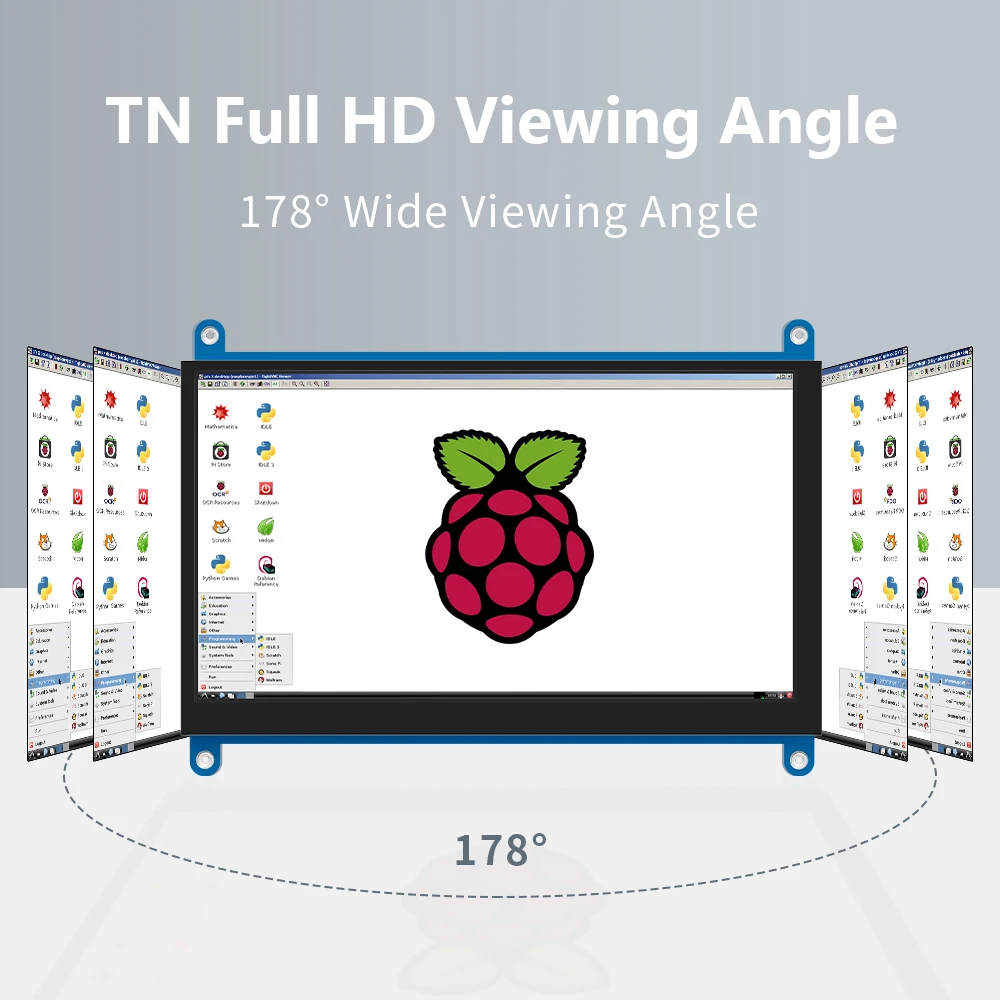
Horizontal Viewing Angle: 178°
Launch Date: 2016
Monitor 7 inch HDMI: JRP7007
Origin: Mainland China
Panel Type: IPS
Pixel Pitch: 0.258mm
Plug Type: US Plug
Products Status: STOCK
Raspberry Pi Touchscreen: HDMI Screen Display
Refresh Rate: 60 Hz
Resolution: 1024x600
Response Time: 3ms
Screen Type: LCD
Screen curvature: NONE
Vertical Viewing Angle: 178°
●.7 inch standard display, 1024 × 600 Hardware resolution, Up to 1920x1080 Software configuration resolution.
●.Capacitive touch screen, maximum support 5 point touch.
●.Support backlight control alone, the backlight can be turned off to save power.
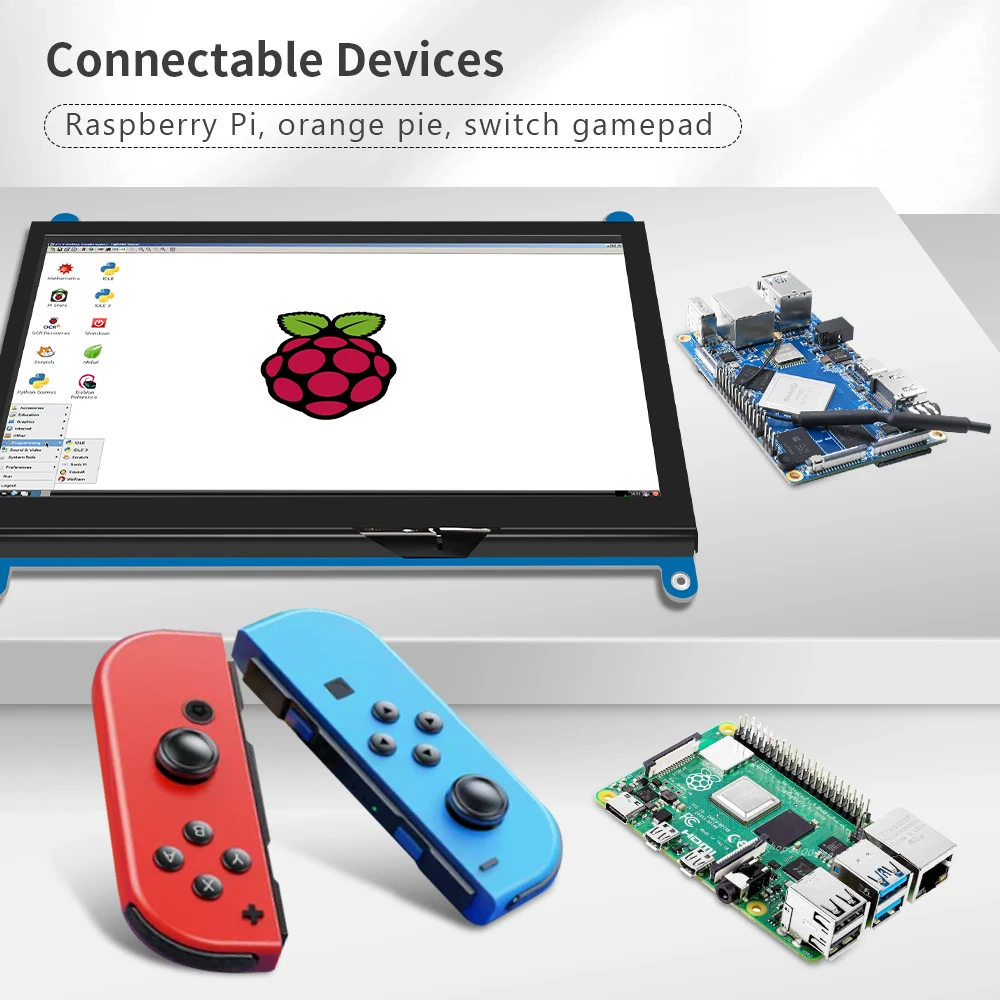
●. Support Raspberry Pi, BB Black, Banana Pi and other mainstream mini PC.
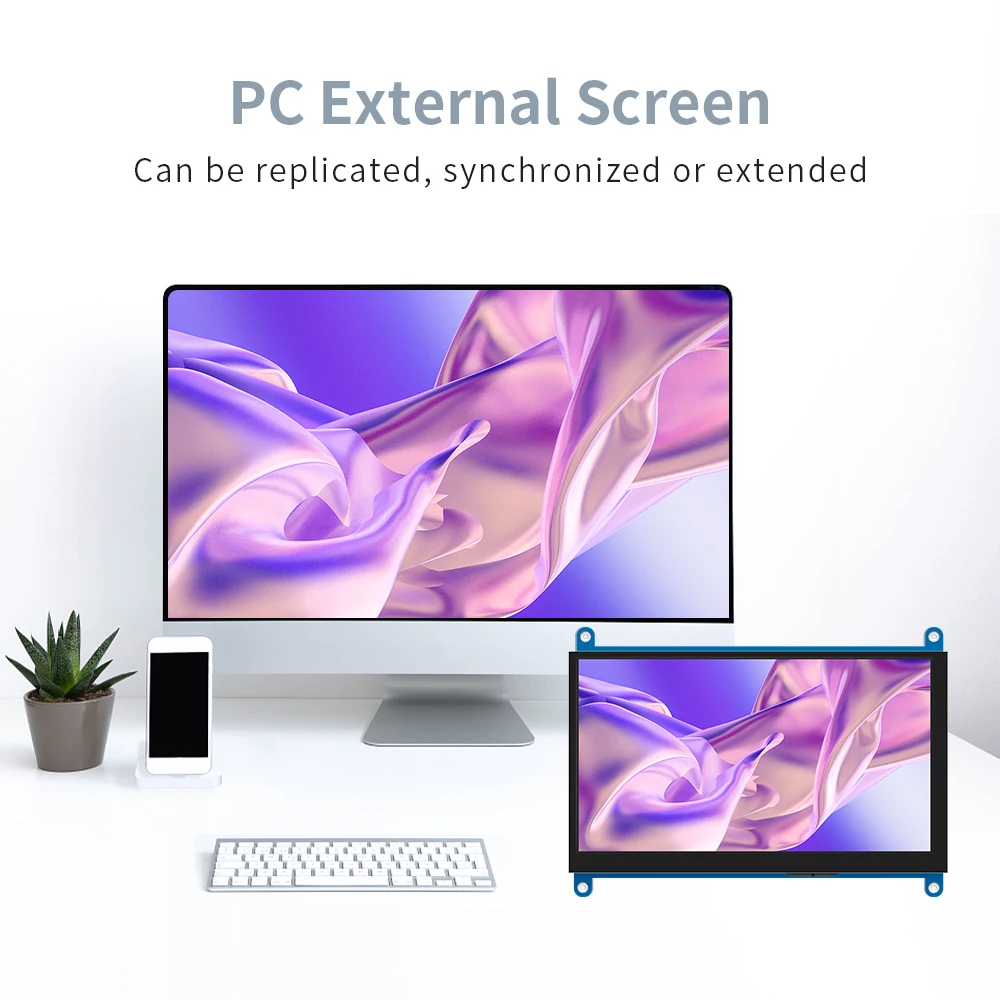
●.Can be used as general-purpose-use HDMI monitor, for example: connect with a computer HDMI as the sub-display .
●.Used as a raspberry pi display that supports Raspbian, Ubuntu, Kali-Linux, Kodi, win10 IOT, single-touch, free drive.
●.Work as a PC monitor, support win7, win8, win10 system 5 point touch (XP and older version system: single-point touch),
free drive.
●.CE, RoHS certification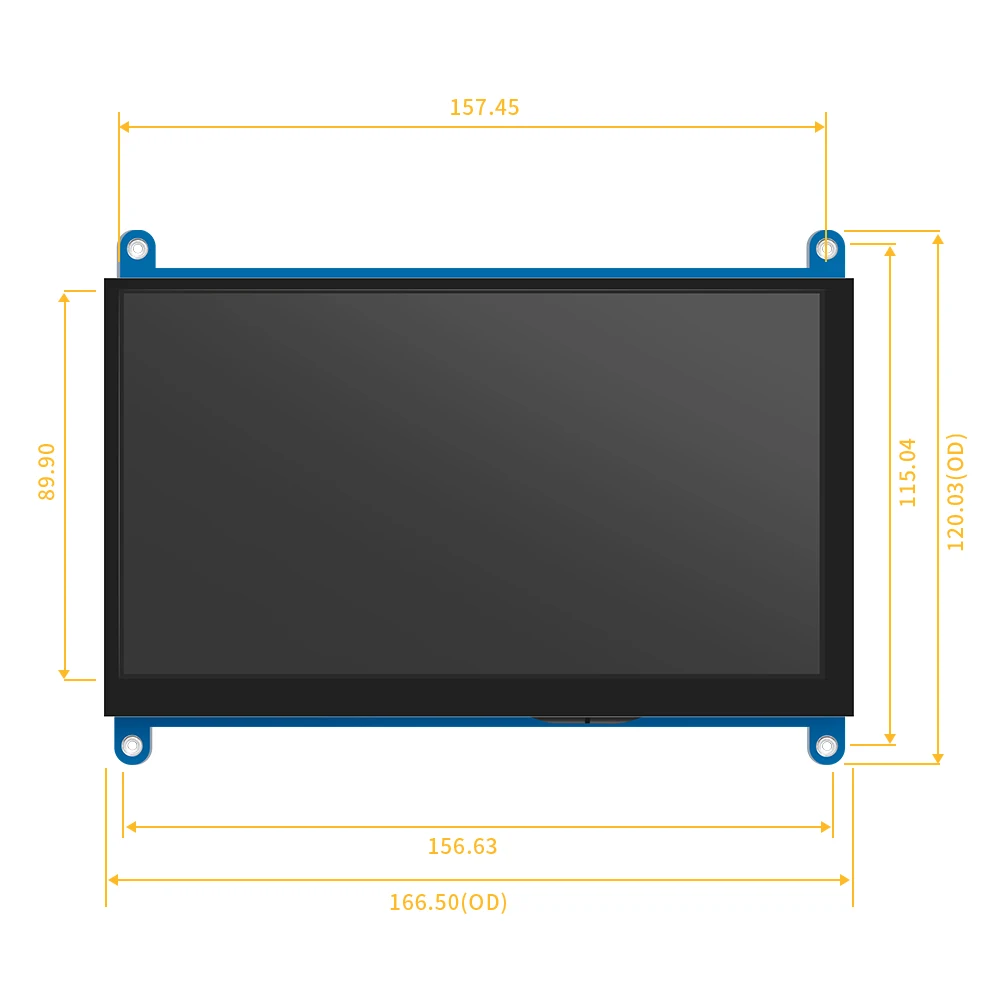


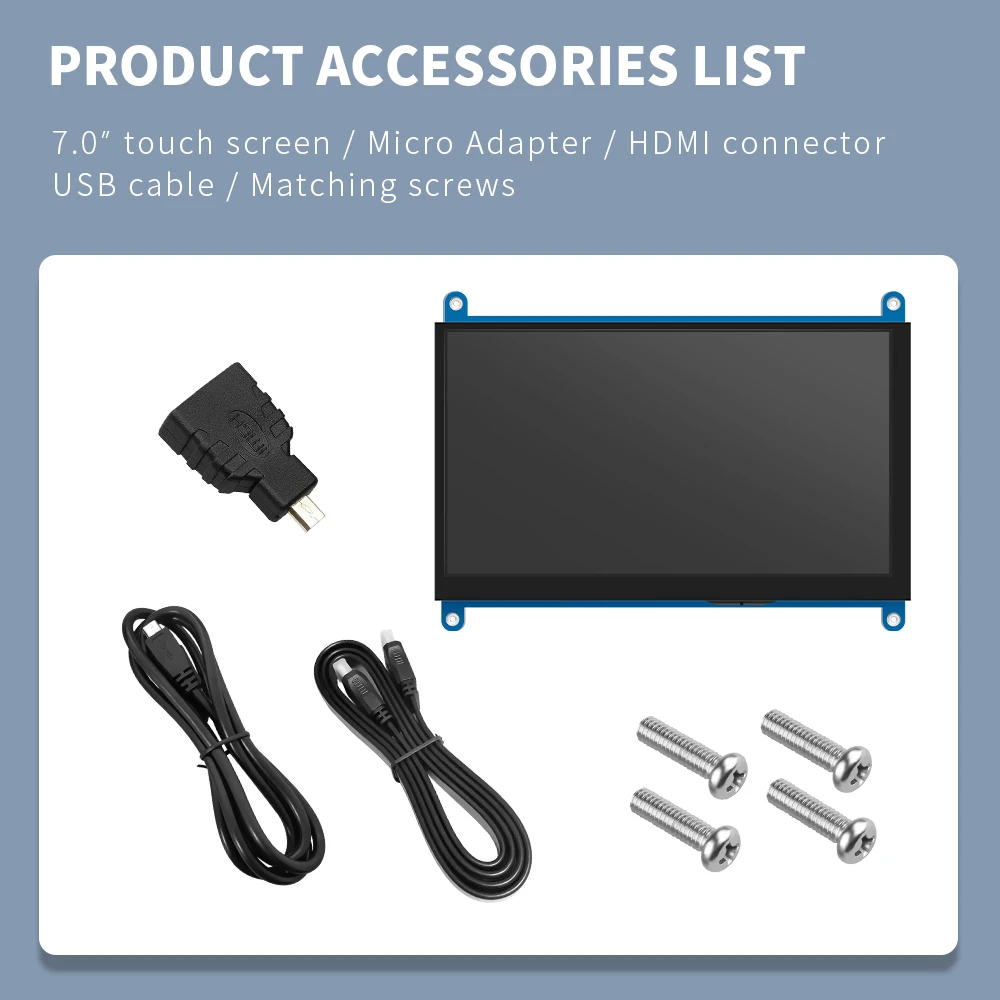 【Product description】
●.7 inch standard display, 1024 × 600 Hardware resolution, Up to 1920x1080 Software configuration resolution.
●.Capacitive touch screen, maximum support 5 point touch.
●.Support backlight control alone, the backlight can be turned off to save power.
●. Support Raspberry Pi, BB Black, Banana Pi and other mainstream mini PC.
●.Can be used as general-purpose-use HDMI monitor, for example: connect with a computer HDMI as the sub-display .
●.Used as a raspberry pi display that supports Raspbian, Ubuntu, Kali-Linux, Kodi, win10 IOT, single-touch, free drive.
●.Work as a PC monitor, support win7, win8, win10 system 5 point touch (XP and older version system: single-point touch),
free drive.
●.CE, RoHS certification.
【Product Parameters】
●.Size:7.0 (inch) ●. Resolution:1024 ×600 (dots) ●. SKU: JRP7007
●. Touch: five-point capacitive touch ●.Weight: 540 (g)
How to use with Raspbian/Ubuntu Mate/Win10 IoT Core System
Step 1, Install Raspbian official image
Download the latest image from the official download.
Install the system according to the official tutorial steps.
Step 2, modify the “config.txt”
After the programming of Step1 is completed, open the config.txt file of TF card root directory and
add the following code at the end of the file, save and eject Micro SD Card safely:max_usb_current=1
hdmi_force_hotplug=1
config_hdmi_boost=7
hdmi_group=2
hdmi_mode=87
hdmi_drive=1
display_rotate=0
hdmi_cvt 1024 600 60 6 0 0 0
Step 3, Drive the HDMI with the Raspberry Pi
Insert the TF Card to Raspberry Pi, connect the Raspberry Pi and LCD by HDMI cable;
connect USB cable to one of the four USB ports of Raspberry Pi,and connect the other end of the USB cable to the USB port of the LCD;
then supply power to Raspberry Pi; after that if the display and touch both are OK,it means drive successfully (please use the full 2A for power supply).
How to use as PC monitor
Connect the computer HDMI output signal to the LCD HDMI interface by using the HDMI cable
Connect the LCD's USB Touch interface (Either of the two MicroUSB) to the USB port of the device
If there are several monitors, please unplug other monitor connectors first, and use LCD as the only monitor for testing.
Customer Reviews
お支払いとセキュリティ
お支払い情報は安全に処理されます。 クレジットカードの詳細を保存したり、クレジットカード情報にアクセスすることはありません