


Description
SPECIFICATIONS
Bluetooth: BT 5.0
Brand: OTTOCAST
Brand Name: OTTOCAST
Car compatibility: Only for car built in original wired Android Auto
Connectors: USB Type-C
Hign-concerned Chemical: None
Incompatible: cannot support for HUAWEI ,NOT for xiaomi red mi
Memory: 64 MB RAM + 16 MB ROM
Model: A2Air PRO
Operating System: Wireless Android Auto Adapter
Origin: Mainland China
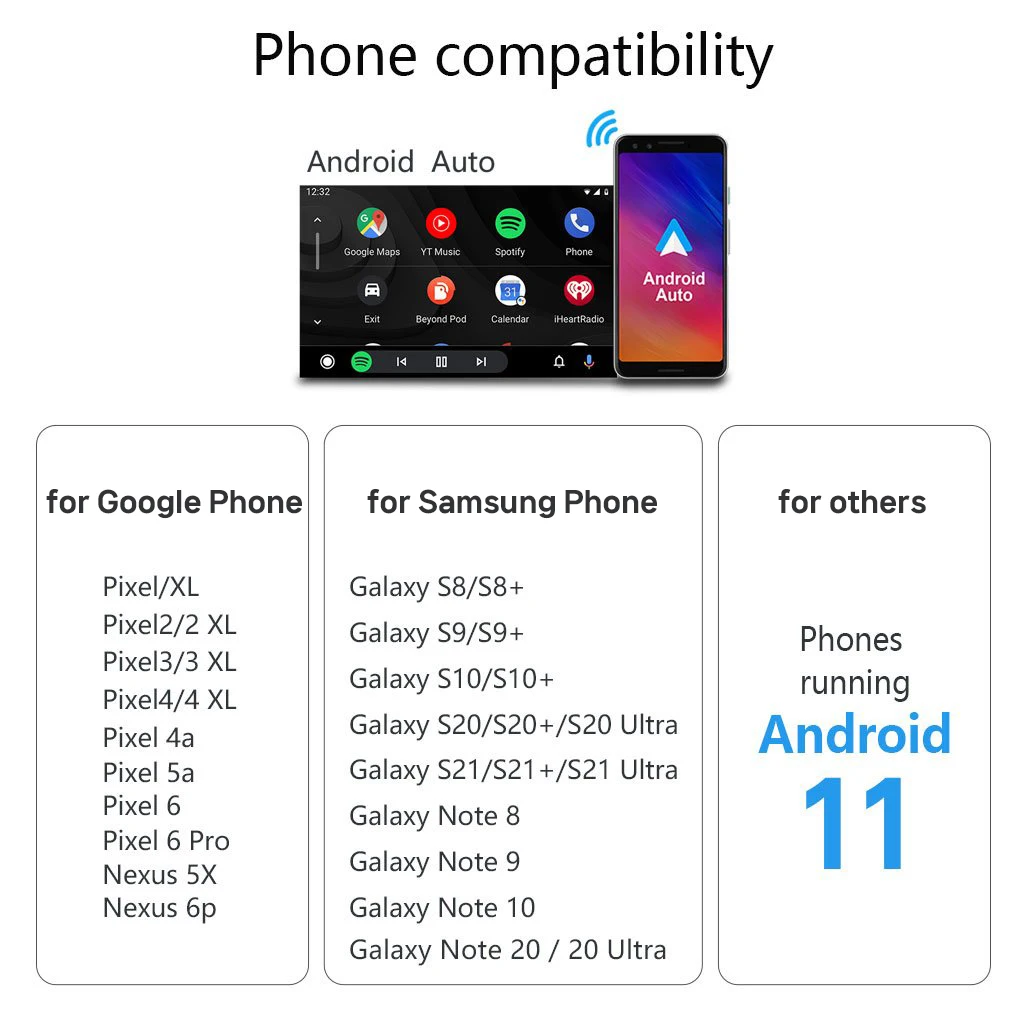
Phone compatibility: Only for Android 11 or above
Power Input: USB 5V
Wi-Fi: Dual-band 802.11 a/b/g/n/ac 2.4 GHz + 5 GHz
The product can only support cars with original factory wired Android Auto.
🚫❌cannot support for HUAWEI ,not for xiaomi redmi.
🚫❌cannot support for BMW/TSL
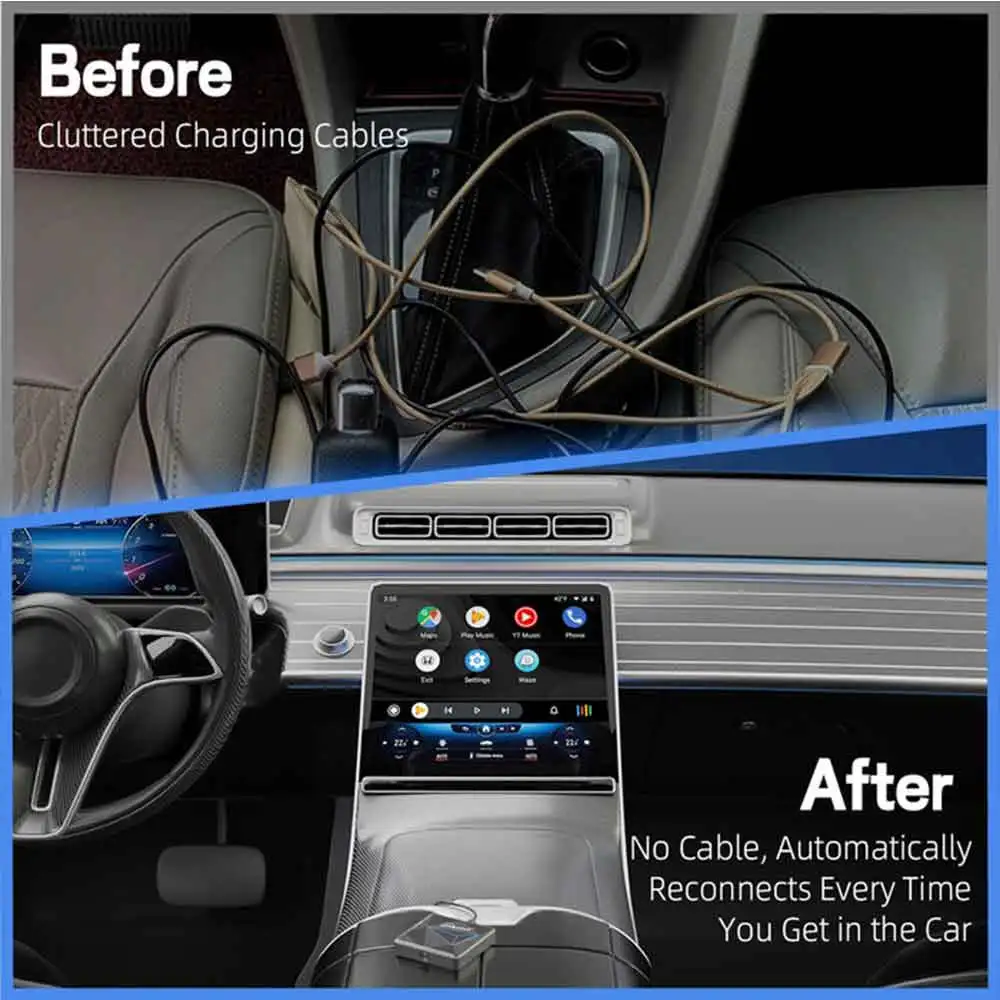
●Wireless Android Auto Adapter
Ottocast A2Air Pro could wired Android Auto to Android Auto wirelessly. With this adapter, you can switch all the functions of your Android phone directly to your car screen. 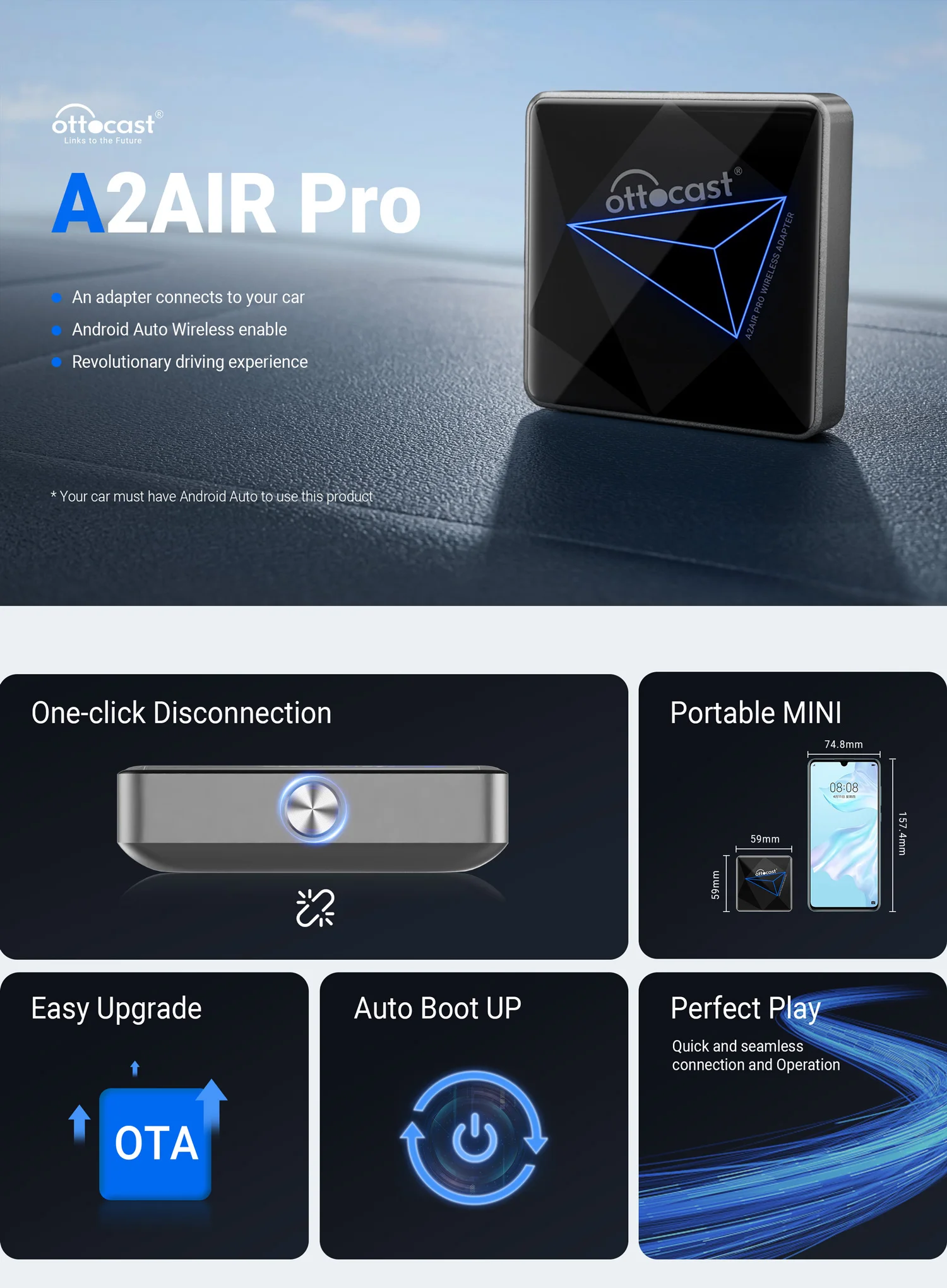 ●5.8GHz transmission rate
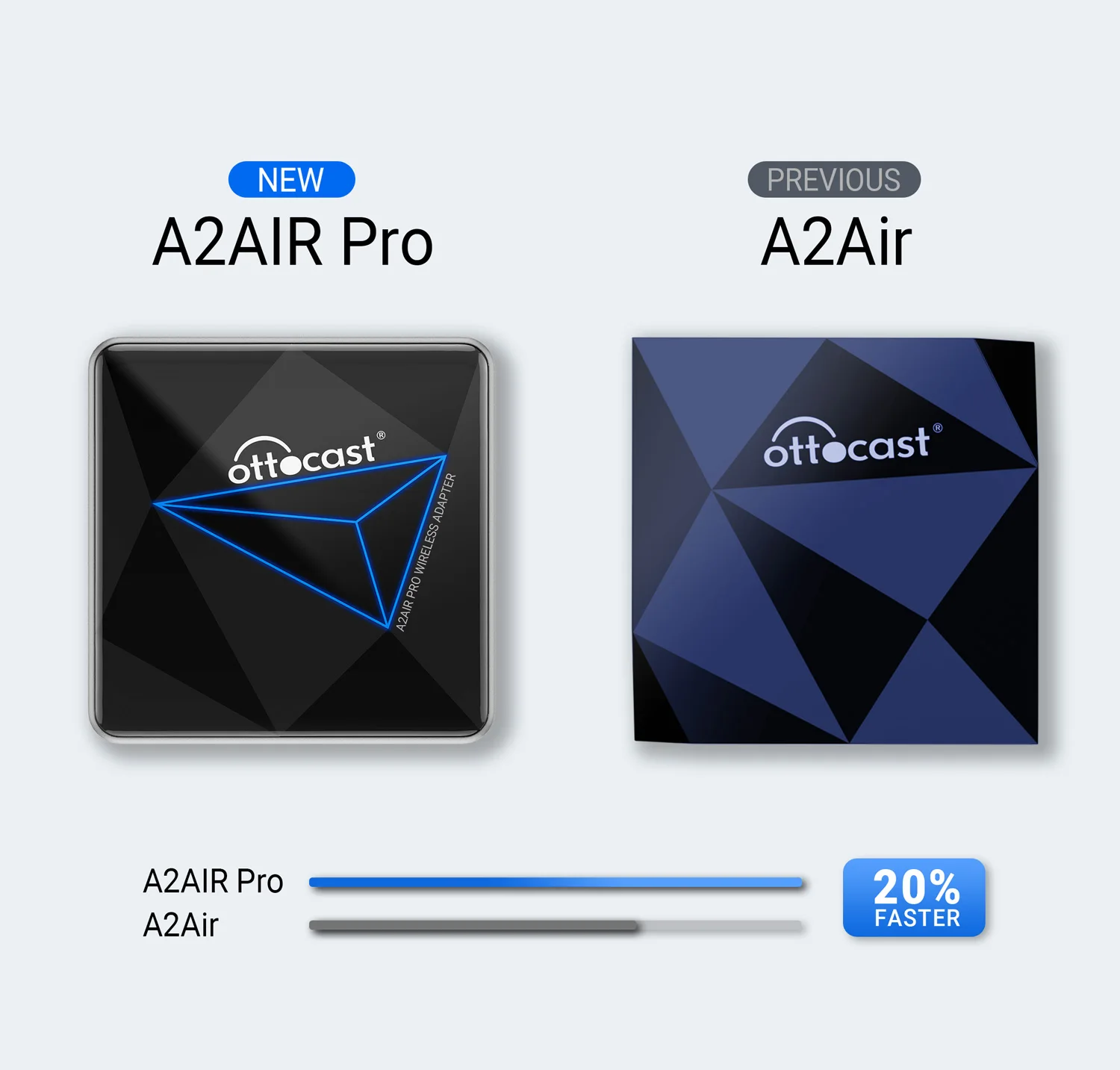
It has a powerful dual-core chip inside. 5.GHz transmission rate, fast data transmission speed, and low latency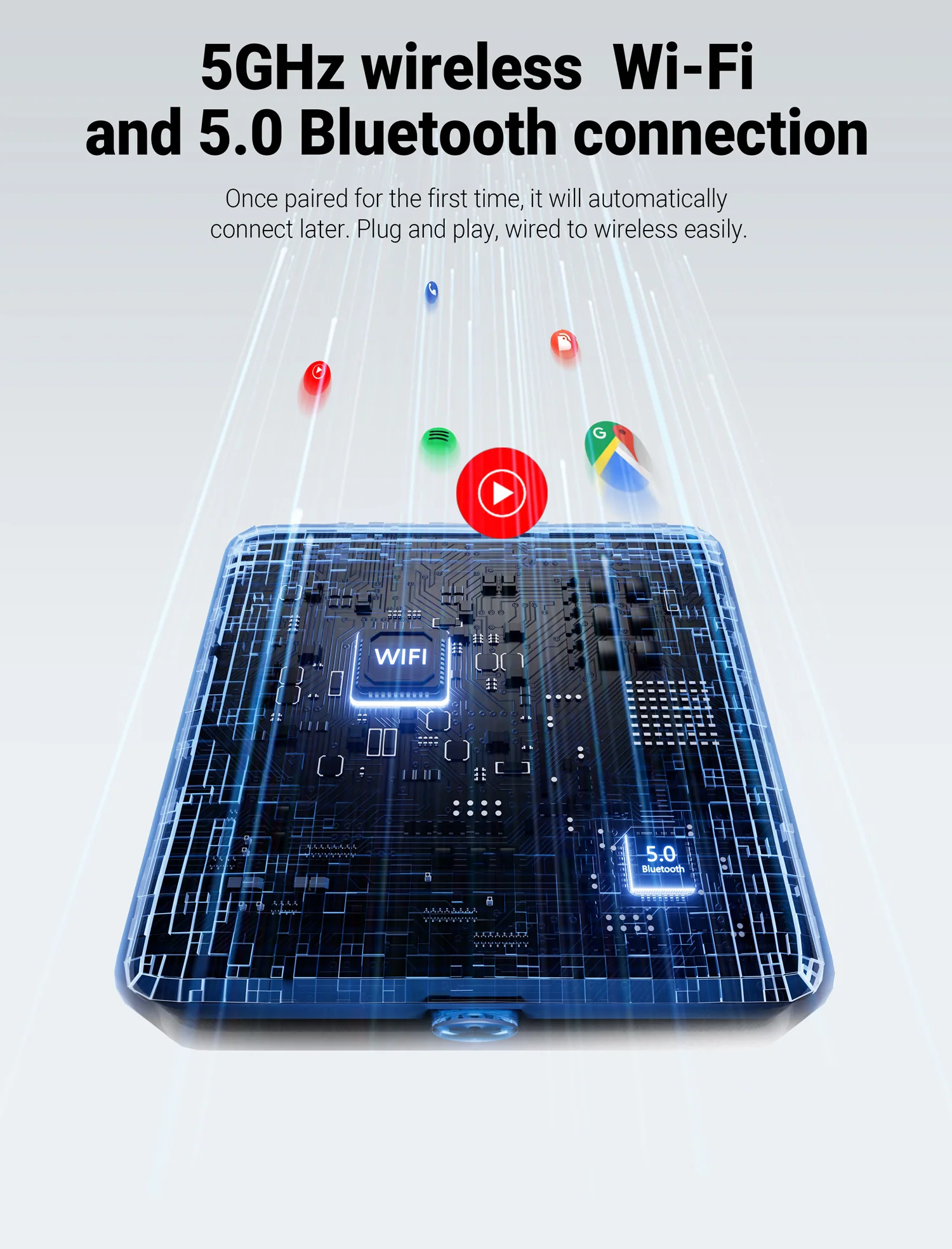
●All hands-free with Wireless Android Auto
Makes it easier to play music, get navigation, or make Hands-Free calls!
While driving, you can call google assistant contactlessly via Bluetooth, make voice calls, online navigation , and listen music.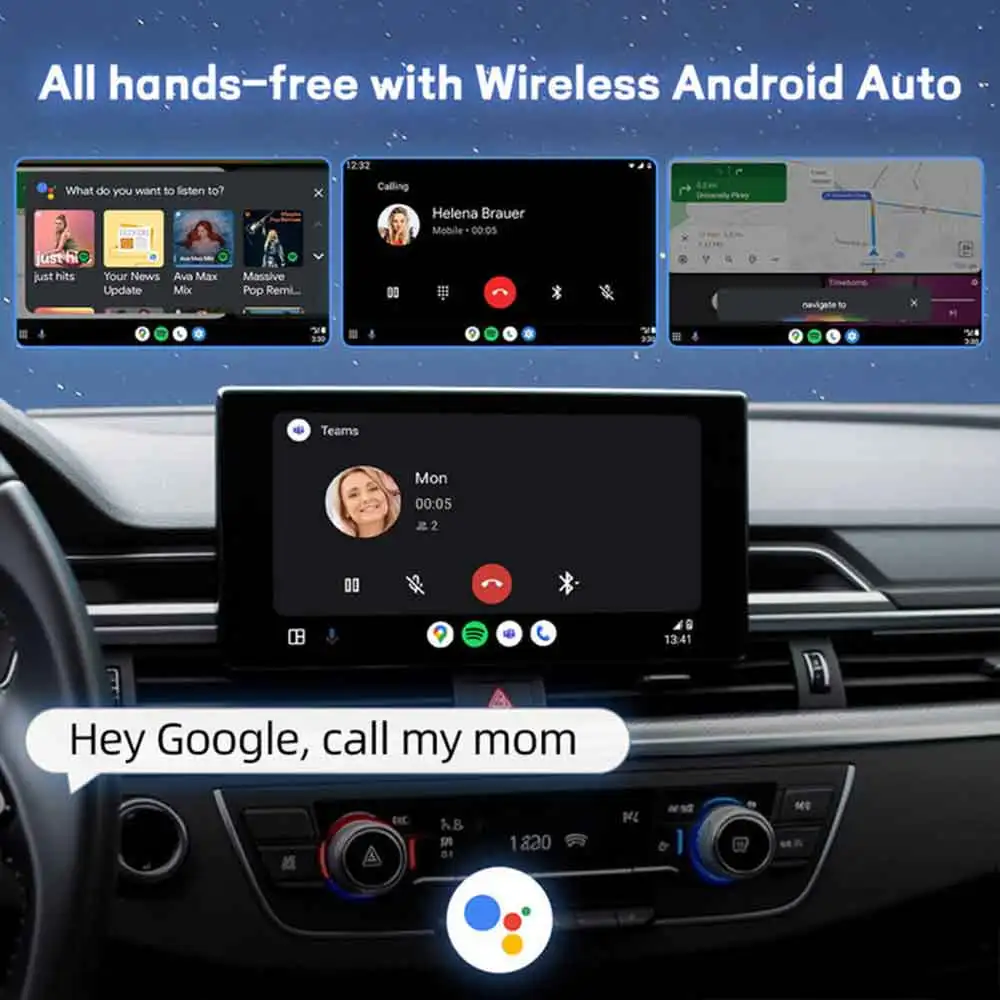 ●Keep Original Control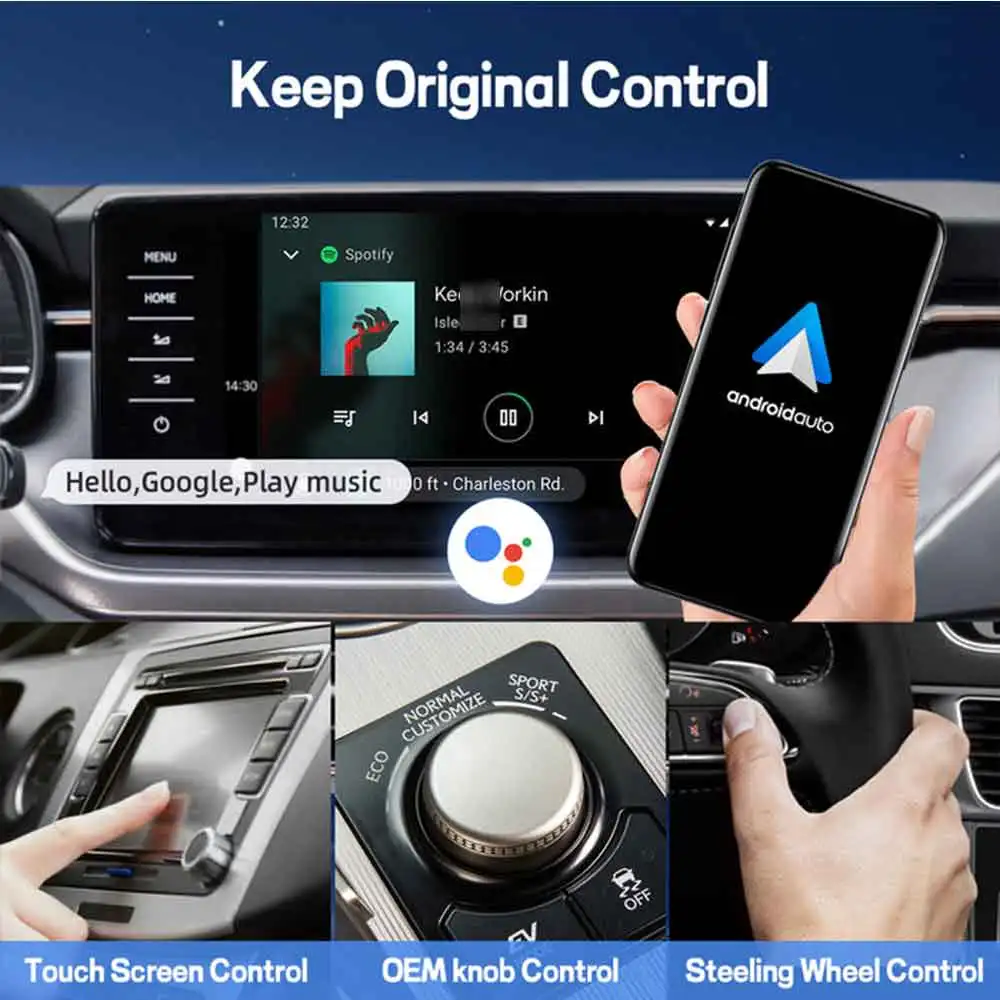
●Smart button for quick disconnect
Switch the connected phone with a single click, easily
switch between phones.
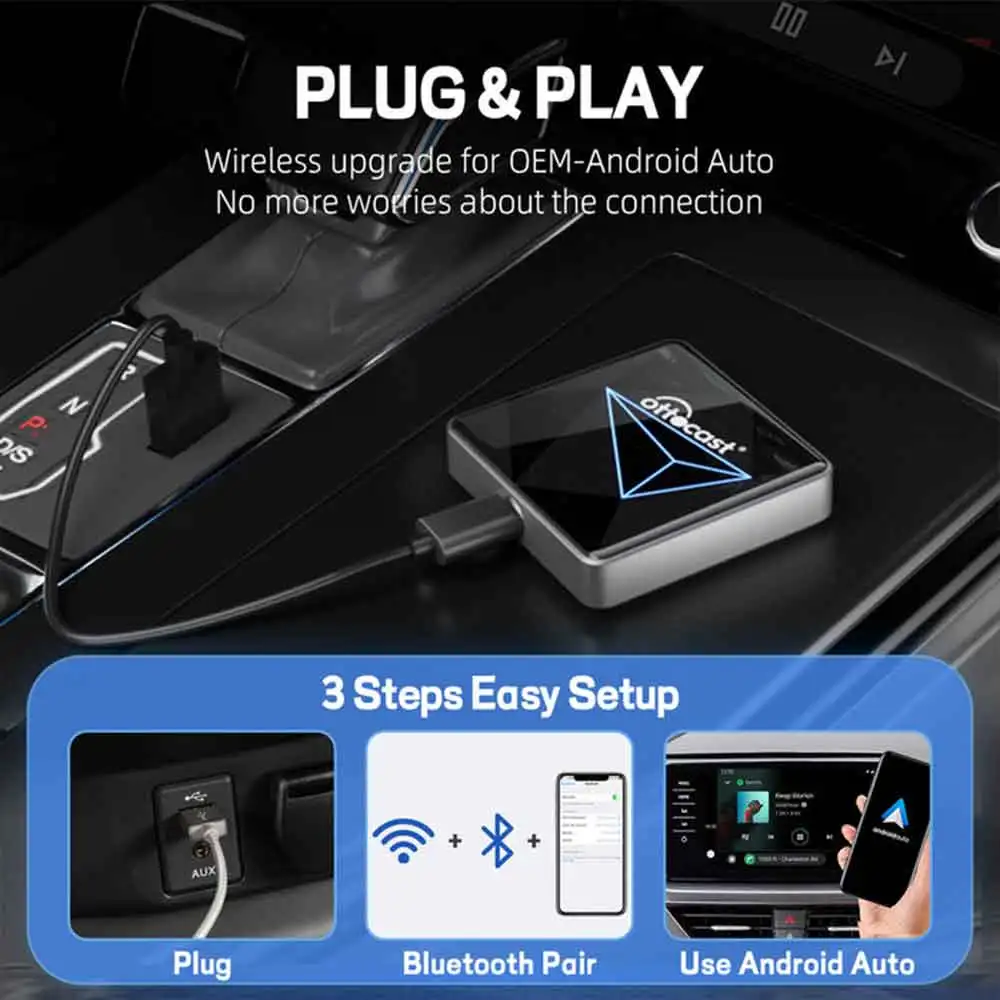
●Wireless Android Auto connection method:
①The product USB cable is connected to the car's USB socket
② Turn on wifi and Bluetooth on the phone
③ Mobile phone Bluetooth pairing with AUTO-***
●Phone compatibility
This wireless Android Auto compatible with Android phones ( such as for Samsung, for Google) with Android 11 or above.
🚫❌cannot support for HUAWEI ,not for xiaomi redmi.
For cars that have OEM wired Android Auto
●Comparison of A2Air and A2Air Pro
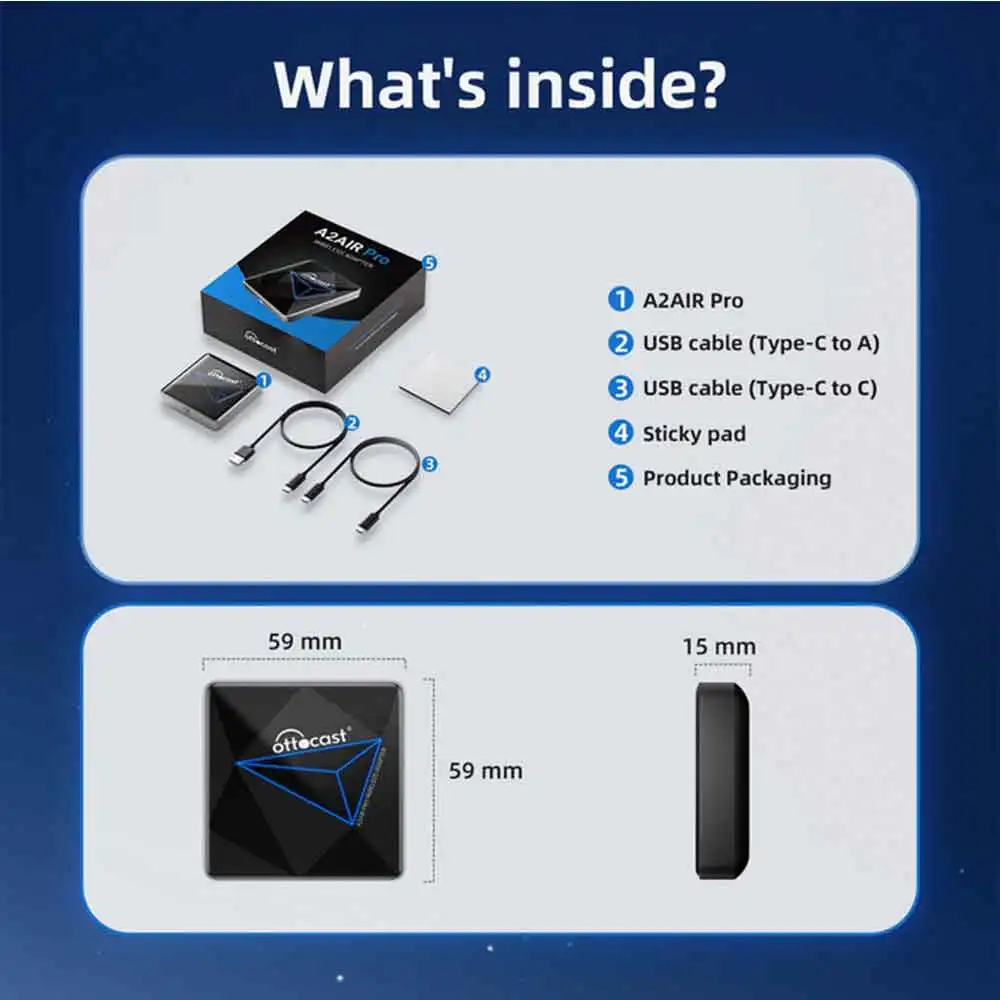
 ●Adapter packaging &Specifications
The packaging box has been redesigned and upgraded. It is with USB type A to C and USB type C to C data cables
Common problem
Click → How to connect Android Auto ?
Click → How to delay startup & restore factory settings?
Click → How to upgrade online?
Click → How to collect logs?
Click → How to burn?
Ottocast AI Services
Due to time zone differences, please contact our 24/7 Ottocast AI Assistant first for any questions or connection issues.
If unresolved, kindly message us via the AliExpress Human Support Chat Window, and we’ll address it immediately. Thank you for your patience and cooperation!

Paiement et sécurité
Vos informations de paiement sont gérées de manière sécurisée. Nous ne stockons ni ne pouvons récupérer votre numéro de carte bancaire.